This article serves as a professional guide on What is Botnet Attack in Cyber Security, one of the most serious threats in modern cyber security. In today’s internet-driven world, millions of devices are connected to networks, and unfortunately, many of them can be hijacked by cyber criminals without the owner’s knowledge.
A botnet attack occurs when hackers secretly infect computers, smartphones, servers, or IoT devices with malicious software and then control them remotely. These infected machines become part of a large network called a botnet, which attackers use to perform large-scale cyber attacks.
Botnets are responsible for some of the biggest cyber incidents in history. They have been used to launch massive DDoS attacks, steal financial data, send spam emails, spread malware, and even mine cryptocurrency using victims’ devices.
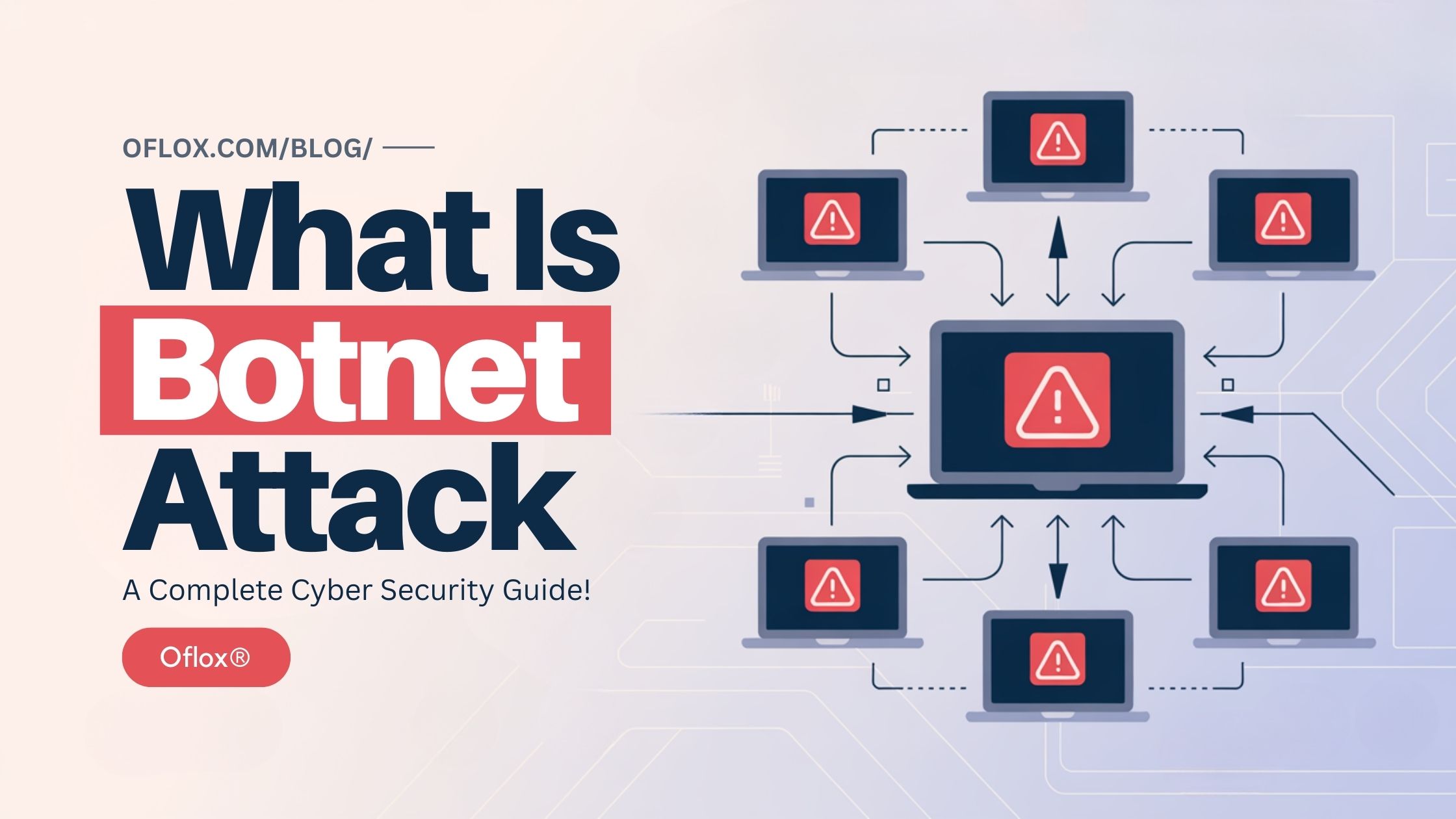
In this comprehensive guide, you will learn what a botnet attack is, how botnets work, types of botnet attacks, real examples, warning signs, and the best ways to protect yourself from botnet threats.
Let’s explore it together!
Table of Contents
What Is Botnet Attack
A botnet attack is a type of cyber attack where hackers control a large number of infected devices and use them to perform malicious activities.
The term botnet comes from two words:
- Bot – an infected device controlled by malware
- Net – a network of these infected devices
When many infected devices are connected and controlled by a hacker, they form a botnet network.
These devices are often called zombie devices because they are controlled remotely without the owner’s knowledge.
A botnet attack allows cyber criminals to use thousands or even millions of devices simultaneously to perform illegal activities such as:
- launching DDoS attacks
- sending spam emails
- stealing passwords
- spreading malware
- cryptocurrency mining
- website hacking
Because botnets are distributed across many devices worldwide, they are very difficult to detect and stop.
What Is a Botnet
A botnet is a network of computers or devices infected with malware and controlled remotely by a hacker.
Each infected device in a botnet is called a bot or zombie computer.
These devices can include:
- personal computers
- laptops
- smartphones
- servers
- routers
- CCTV cameras
- smart home devices
- IoT devices
Once infected, these devices secretly communicate with a Command and Control server (C&C server) controlled by the attacker.
The hacker can then send commands to all infected devices simultaneously.
For example, a hacker controlling 100,000 infected devices can send a command to all of them to attack a website at the same time.
This makes botnets extremely powerful cyber weapons.
Why Hackers Use Botnets
Hackers use botnets because they provide massive power and anonymity.
Instead of attacking from one computer, attackers can use thousands of devices to perform coordinated attacks.
Some key reasons hackers use botnets include:
- Large-Scale Attacks: Botnets allow attackers to launch attacks using thousands of devices simultaneously.
- Hard to Trace: Because attacks come from many locations worldwide, identifying the attacker becomes difficult.
- Automation: Botnets can perform automated attacks without human involvement.
- Cost Efficiency: Hackers can rent botnets on the dark web.
- High Damage Potential: Botnets can shut down large websites and online services.
How Botnet Attacks Work (Step-by-Step)
A botnet attack typically happens in several stages, starting from device infection and ending with large-scale cyber attacks.
1. Device Infection
The first stage of a botnet attack begins with infecting devices with malicious software. Cyber criminals distribute malware that secretly turns a device into a bot.
This infection can occur through several methods, including:
- Phishing Emails: Attackers send fake emails containing malicious links or attachments. When users click these links or download attachments, malware gets installed on their device.
- Malicious Downloads: Downloading software, movies, games, or cracked applications from untrusted sources may contain hidden malware.
- Fake Mobile Applications: Some apps available on unofficial app stores contain malicious code designed to infect smartphones.
- Compromised Websites: Visiting infected websites may automatically download malware onto a device through exploit kits.
- Software Vulnerabilities: Hackers exploit security weaknesses in outdated software to inject malware into systems.
Once the malware successfully enters the device, it silently installs itself without alerting the user. The device then becomes a potential bot within the botnet network.
2. Bot Installation
After the initial infection, the malware installs a bot program on the compromised device. This program allows the device to communicate with the botnet infrastructure controlled by hackers.
The bot program usually runs silently in the background and may disguise itself as a legitimate system process to avoid detection.
At this stage, the infected device becomes a “zombie device.”
A zombie device is a system that:
- operates normally from the user’s perspective
- secretly follows commands from hackers
- participates in malicious activities without the owner’s knowledge
Because bot malware is designed to remain hidden, most users never realize their device has been compromised.
3. Connection to Command & Control Server
Once the bot program is installed, the infected device connects to a Command and Control (C&C) server.
The Command and Control server is the central control hub used by hackers to manage the entire botnet network.
Through this server, attackers can:
- send commands to infected devices
- update malware instructions
- coordinate large-scale cyber attacks
- collect stolen information
Communication between the bot devices and the C&C server often occurs through encrypted channels to avoid detection by security systems.
For example, the hacker may send commands such as:
- send traffic to a specific website
- collect login credentials
- download additional malware
- participate in spam campaigns
Because the hacker controls the botnet remotely, they can coordinate thousands of devices simultaneously.
4. Botnet Expansion
After establishing the botnet infrastructure, hackers focus on expanding the botnet network.
They continuously attempt to infect more devices to increase the botnet’s power and reach.
Botnet expansion techniques may include:
- spreading phishing emails
- distributing infected software downloads
- exploiting network vulnerabilities
- infecting poorly secured IoT devices
- spreading malware through compromised websites
As more devices become infected, the botnet network grows larger and more powerful.
Some botnets grow to massive sizes, containing:
- tens of thousands of infected devices
- hundreds of thousands of infected systems
- sometimes millions of compromised devices worldwide
The larger the botnet becomes, the more destructive its potential attacks can be.
5. Launching the Attack
Once the botnet reaches a sufficient size, the attacker can begin launching coordinated cyber attacks.
Because the botnet contains thousands of devices, attackers can execute powerful and large-scale attacks simultaneously.
Common botnet attacks include:
- DDoS Attacks: Thousands of infected devices send massive traffic to a target server, overwhelming it and causing websites to crash.
- Spam Email Campaigns: Botnets can send millions of spam emails in a short period, spreading scams, phishing links, or malware.
- Credential Theft: Some botnets collect login information such as banking credentials, email passwords, or social media accounts.
- Malware Distribution: Botnets may download additional malware onto infected devices, spreading ransomware or spyware.
- Cryptocurrency Mining: Hackers may secretly use infected computers to mine cryptocurrencies, consuming system resources.
Because thousands of devices participate in these attacks simultaneously, the attack becomes extremely powerful and difficult to stop.
Types of Botnet Attacks
Botnets can be used for different types of cyber attacks.
Here are the most common types.
1. DDoS Botnet Attacks
One of the most common uses of botnets is launching Distributed Denial of Service (DDoS) attacks.
In this attack:
- thousands of infected devices send traffic to a target server
- the server becomes overloaded
- the website crashes or becomes unavailable
Many major websites have been taken down by botnet DDoS attacks.
2. Spam Botnets
Botnets are often used to send millions of spam emails.
These emails may contain:
- phishing links
- malware attachments
- scam messages
Spam botnets are responsible for a large percentage of global spam traffic.
3. Credential Theft Botnets
Some botnets are designed to steal login credentials.
They collect information such as:
- email passwords
- banking credentials
- social media logins
The stolen data is then sold on the dark web.
4. Cryptocurrency Mining Botnets
In this type of attack, hackers use infected devices to mine cryptocurrency.
This process consumes:
- CPU power
- electricity
- system resources
Victims may notice their device becoming slow or overheating.
5. IoT Botnets
With the rise of smart devices, IoT botnets have become more common.
Devices often targeted include:
- smart cameras
- routers
- smart TVs
- home automation systems
These devices often have weak security, making them easy targets.
Real Examples of Botnet Attacks
Several botnet attacks have made headlines worldwide.
Here are some notable examples.
1. Mirai Botnet (2016)
The Mirai botnet is one of the most famous botnet attacks in history.
Mirai infected thousands of IoT devices such as:
- security cameras
- routers
These infected devices were used to launch a massive DDoS attack on the Dyn DNS provider.
This attack affected major websites including:
- Netflix
- GitHub
Millions of users could not access these websites for several hours.
2. GameOver Zeus Botnet
GameOver Zeus was a botnet used to steal banking credentials.
It infected thousands of computers and stole millions of dollars from bank accounts.
3. Emotet Botnet
Emotet started as a banking trojan but later evolved into a powerful botnet.
It spread through phishing emails and infected organizations worldwide.
Many security experts called it one of the most dangerous malware threats.
Signs Your Device May Be Part of a Botnet
Botnet infections often go unnoticed.
However, some warning signs may indicate a compromised device.
- Slow Device Performance: The device becomes unusually slow.
- High Internet Usage: Network activity increases without explanation.
- Unknown Programs Running: Suspicious background programs may appear.
- System Crashes: Frequent crashes or freezing may occur.
- Overheating: Devices may heat up due to high CPU usage.
- Strange Emails Sent: Your email account may send messages without your knowledge.
If these signs appear, your device may be infected.
How to Protect Yourself from Botnet Attacks
Protecting devices from botnet infections requires good cyber security practices.
Here are important steps.
- Install Reliable Antivirus Software: Security software helps detect and remove malware infections. Always keep antivirus programs updated.
- Keep Software Updated: Software updates fix security vulnerabilities. Hackers often exploit outdated software.
- Avoid Suspicious Links: Do not click unknown links in emails or messages. Many botnet infections start with phishing.
- Use Strong Passwords: Weak passwords make devices easier to compromise. Use complex passwords and password managers.
- Secure IoT Devices: Many IoT devices have default passwords. Change default credentials immediately.
- Enable Firewall Protection: Firewalls help block unauthorized connections. They act as the first line of defense.
5+ Best Tools to Detect Botnet Malware
Here are some of the most trusted cyber security tools used worldwide to detect and remove botnet infections.
1. Malwarebytes
Malwarebytes is one of the most popular malware removal tools used by millions of users worldwide. It is well known for detecting advanced threats, including botnet malware, spyware, trojans, ransomware, and other malicious programs.
One of the biggest advantages of Malwarebytes is its behavior-based detection technology, which can identify suspicious activities even if the malware is new or previously unknown. This makes it highly effective against modern botnet infections.
Key features include:
- Advanced malware detection system
- Real-time protection against threats
- Removal of botnet malware and spyware
- Protection against phishing and malicious websites
- Lightweight and easy-to-use interface
Malwarebytes is widely used by individual users, IT professionals, and cyber security experts for malware cleanup and threat detection.
2. Bitdefender
Bitdefender is another highly respected cyber security solution known for its strong malware detection engine and multi-layer protection system. It uses advanced artificial intelligence and behavioral analysis to detect malicious activities related to botnets.
Bitdefender constantly monitors system behavior and network traffic to identify suspicious communication with Command and Control (C&C) servers, which are commonly used in botnet attacks.
Important features include:
- AI-based malware detection
- Network threat prevention
- Botnet communication blocking
- Real-time web protection
- Ransomware defense system
Bitdefender is widely recommended for both personal and business cyber security protection.
3. Norton Security
Norton Security is one of the oldest and most trusted antivirus solutions in the cyber security industry. It provides comprehensive protection against various online threats, including botnet malware, phishing attacks, and identity theft.
Norton uses advanced intrusion detection systems and threat intelligence networks to identify suspicious traffic and block potential botnet activities.
Key benefits include:
- Real-time malware detection
- Advanced firewall protection
- Secure VPN for online privacy
- Protection against botnet-driven attacks
- Identity theft monitoring tools
Because of its strong security features, Norton is often used by large organizations as well as home users.
4. Kaspersky
Kaspersky is known for its powerful malware detection technology and high detection accuracy in independent cyber security tests. The software provides multiple layers of security that help identify and stop botnet infections before they spread.
Kaspersky analyzes system processes, network behavior, and file activities to detect hidden botnet malware that may be operating in the background.
Main features include:
- Advanced threat detection system
- Real-time system monitoring
- Network attack protection
- Malware and botnet removal tools
- Secure browsing protection
Kaspersky is widely recognized for its high detection rate and strong security performance.
5. Windows Defender
Windows Defender, now called Microsoft Defender, is a built-in security solution included with modern Windows operating systems. It provides basic protection against malware, viruses, and botnet infections.
Although it may not offer as many advanced features as premium antivirus solutions, Windows Defender has improved significantly in recent years and provides solid protection for everyday users.
Key features include:
- Built-in malware protection
- Real-time virus scanning
- Firewall and network protection
- Cloud-based threat intelligence
- Automatic system updates
Because it is integrated directly into Windows, it runs efficiently without slowing down the system.
6. Sophos Home
Sophos Home is a powerful cyber security tool that provides enterprise-level protection for personal computers. It is particularly useful for detecting advanced threats, including botnet malware, ransomware, and network-based attacks.
Sophos uses machine learning technology and advanced threat analysis to detect malicious activities and prevent infected devices from communicating with hacker-controlled servers.
Important features include:
- AI-powered threat detection
- Web filtering and malicious website blocking
- Advanced ransomware protection
- Botnet traffic detection
- Remote security management dashboard
Sophos Home is especially useful for users who want professional-grade security protection at home.
Botnet Attack vs DDoS Attack
Many people confuse botnets with DDoS attacks.
The two concepts are related but not identical.
| Feature | Botnet Attack | DDoS Attack |
|---|---|---|
| Definition | Network of infected devices | Flooding attack on server |
| Purpose | Multiple malicious activities | Overload server |
| Tools Used | Malware controlled devices | Often launched using botnets |
| Scope | Large cyber criminal network | Specific attack method |
In many cases, botnets are used to launch DDoS attacks.
Pros & Cons of Botnet Technology
Although botnets are mostly associated with cybercrime, the underlying concept of distributed computing can have legitimate uses.
Pros
- Distributed computing research
- Network testing simulations
- Cybersecurity training
- Large-scale system testing
Cons
- Large-scale cyber attacks
- Identity theft
- Website shutdowns
- Financial fraud
- Global spam campaigns
Botnets demonstrate how powerful distributed systems can be when misused.
Future of Botnet Threats
Cyber security experts believe botnets will become even more advanced.
Future threats may include:
- AI-Powered Botnets: Hackers may use artificial intelligence to automate attacks.
- IoT Botnet Expansion: Billions of IoT devices create more opportunities for botnet infections.
- Cloud Botnets: Attackers may target cloud infrastructure.
- Autonomous Cyber Attacks: Automated attacks may spread without human control.
Because technology evolves rapidly, cyber security awareness becomes increasingly important.
FAQs:)
A. A botnet attack is a cyber attack where hackers control many infected devices and use them to perform malicious activities such as DDoS attacks or spam campaigns.
A. Computers, smartphones, routers, IoT devices, and servers can all become part of a botnet if infected with malware.
A. Yes. Creating or controlling botnets for malicious activities is illegal in most countries.
A. The Mirai botnet attack in 2016 is one of the largest botnet attacks ever recorded.
A. Hackers control botnets using a Command and Control (C&C) server, which sends instructions to infected devices.
Conclusion:)
Botnet attacks represent one of the most dangerous threats in the modern digital world. By secretly infecting thousands or even millions of devices, cyber criminals can build powerful networks capable of launching large-scale cyber attacks.
Understanding how botnets work and adopting strong cyber security practices can significantly reduce the risk of infection. Individuals and organizations must stay vigilant and use updated security tools to protect their devices.
“Cyber awareness is the strongest firewall against modern cyber threats.” – Mr Rahman, CEO Oflox®
Read also:)
- What Is Pegasus Software: The World’s Most Dangerous Spyware!
- What is Vulnerability in Cyber Security: A-to-Z Guide for Beginners!
- What is Spamming in Cyber Crime: A-to-Z Guide for Beginners!
Have you ever heard about botnet attacks before? Share your experience or ask your questions in the comments below — we’d love to hear from you!