This article provides a professional guide on What is canonical tag in SEO. If you’re struggling with duplicate content issues or want to improve your website’s search engine rankings, keep reading to learn how canonical tags can save your SEO.
Duplicate content is one of the silent killers of search engine optimization. It confuses search engines, splits link equity, and weakens your rankings. Thankfully, there’s a simple yet powerful solution — the canonical tag.
But what is canonical tag in SEO? In simple words, it’s a way to tell Google which version of a page should be treated as the “original.” If your website has multiple pages with similar or duplicate content, canonical tags help you avoid penalties and ensure search engines know which one to rank.
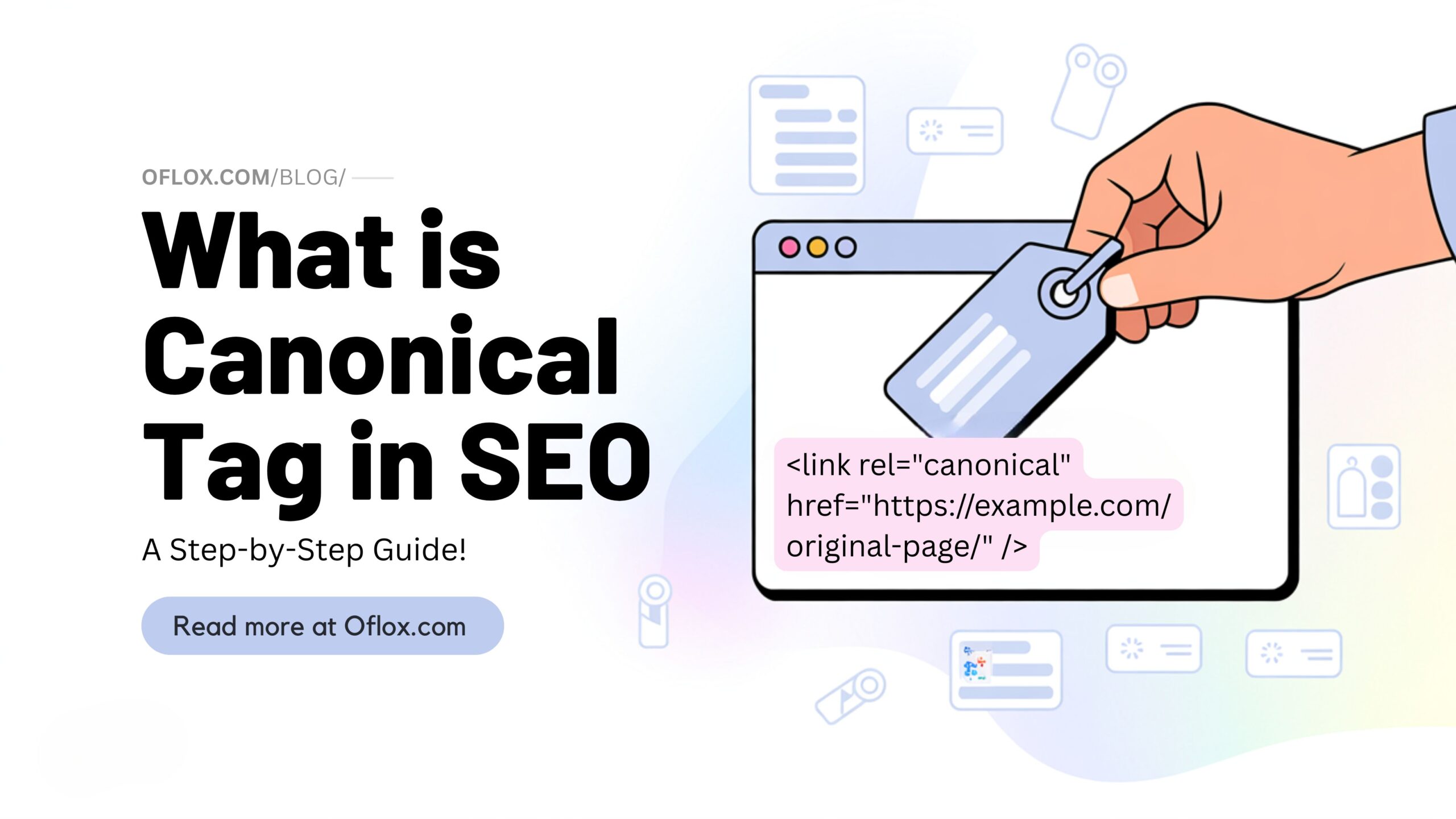
This guide will walk you through everything — from what canonical tags are, to why and how to use them correctly, complete with examples, tools, and best practices.
Let’s explore it together!
Table of Contents
What is Canonical Tag in SEO?
The canonical tag (also known as the “rel=canonical” tag) is an HTML element that tells search engines the preferred version of a web page when duplicate or similar content exists across multiple URLs.
Definition:
<link rel="canonical" href="https://www.example.com/preferred-page/" />
This tag tells search engines: “This is the main version of the page. Please index this one.”
Think of it like this:
You have three pages showing the same T-shirt product — one with a size filter, one with a color filter, and one with both. All three pages show the same item. With a canonical tag, you can tell Google which page is the main one, so only that gets indexed and ranked.
Why Canonical Tags Are Important for SEO
Search engines strive to provide the best content to users. When they see several similar pages, they get confused about which one to show. Here’s why canonical tags are crucial:
- Avoid Duplicate Content Issues: Duplicate content can hurt your SEO by diluting ranking signals. Canonical tags solve this by pointing to the preferred page.
- Consolidate Link Equity: Backlinks pointing to duplicate pages get split. Canonical tags combine that equity, helping your preferred page rank higher.
- Improve Crawl Efficiency: Googlebot has a crawl budget. Canonical tags prevent bots from wasting time crawling duplicate versions of the same content.
- Keep SERPs Clean: You want only one version of your content showing in search results, not five. Canonical tags help with that.
How do Canonical Tags Work on a Website?
Let’s say you have this page:
- https://example.com/shoes/red-shoes
- https://example.com/shoes/red-shoes?ref=facebook
- https://example.com/shoes/red-shoes?sort=popular
All show the same product.
If you don’t use a canonical tag, Google may consider them separate pages and see duplicate content.
But when you place this code on each of them:
<link rel="canonical" href="https://example.com/shoes/red-shoes" />
Google understands that the clean URL is the main version and will give SEO credit accordingly.
#1 Best Canonical Tag Generator For All Website
Before you proceed to manually add the canonical tag in your HTML, it’s important to know that creating an accurate and valid canonical tag doesn’t have to be difficult.
If you’re not comfortable writing code or simply want to speed up the process, you can use a free, easy-to-use, and professional Canonical Tag Generator Tool developed by Oflox. It is beginner-friendly, browser-based, and generates clean canonical tag code instantly.
👇👇👇 Use the tool here:
Simply enter your preferred URL, and the tool will provide you with the exact <link rel=”canonical”> tag you can copy and paste into your website’s HTML.
Now that you have the tag ready, let’s move on to how to add canonical tag in HTML step by step.
How to Add Canonical Tag in HTML
Here’s a step-by-step guide on how to implement canonical tags effectively to boost your SEO and avoid duplicate content penalties.
Step 1: Identify Duplicate or Similar Content
Start by auditing your website to detect duplicate or near-duplicate content. Use advanced SEO tools like Screaming Frog, Sitebulb, or the URL Inspection Tool in Google Search Console. These tools crawl your site and report issues related to content duplication and canonical inconsistencies.
Additionally, inspect parameter-based URLs or filter combinations often generated by e-commerce sites. These can unintentionally create hundreds of near-identical pages.
Step 2: Choose the Preferred URL
Once duplicates are identified, decide which version is the most relevant, complete, or authoritative. Typically, this should be the cleanest, most accessible URL (e.g., no tracking parameters, filters, or session IDs).
If your site runs on HTTPS and www (e.g., https://www.example.com), ensure that this exact URL is selected as the canonical version. It should be the one you want to rank in search engine results.
Step 3: Add the Canonical Tag
Insert the canonical tag into the <head> section of the HTML of every duplicate or related page. It should look like this:
<link rel="canonical" href="https://yourdomain.com/original-page/" />This tells search engines that regardless of how the user or crawler arrives on a duplicate URL, the primary version is the one you’ve specified in the tag.
If you’re using a CMS like WordPress, plugins like Yoast SEO or RankMath allow you to add or override canonical tags on a per-page basis without editing code.
Step 4: Test and Validate
After implementing, always validate that your canonical tags are correct. Head over to Google Search Console and use the URL Inspection Tool to check which canonical URL Google has selected for each page.
Also, use Screaming Frog SEO Spider to simulate a crawl of your site. This can help catch any syntax errors or tag misplacements.
Lastly, monitor performance through tools like Ahrefs, SEMrush, or Google Analytics to ensure that traffic and rankings are not split between duplicate URLs.
How to Add a Canonical Tag in WordPress
Adding a canonical tag in WordPress can be done in multiple ways depending on your technical comfort and plugin preferences. Below are detailed methods:
Method 1: Using Yoast SEO Plugin
Yoast SEO is one of the most popular SEO plugins for WordPress.
- Login to your WordPress dashboard.
- Navigate to the Post or Page where you want to set the canonical tag.
- Scroll down to the Yoast SEO section.
- Click on the Advanced tab (gear icon).
- In the “Canonical URL” field, enter the exact preferred URL you want search engines to consider.
- Update or publish the post.
Method 2: Using Rank Math SEO Plugin
Rank Math is another powerful and free SEO plugin used widely by bloggers and professionals.
- Open your WordPress dashboard.
- Edit the specific post or page.
- Scroll to the bottom SEO meta section powered by Rank Math.
- Under the Advanced tab, you will see the Canonical URL field.
- Paste the preferred canonical URL and update the page.
Method 3: Manual HTML Insert (for developers or custom themes)
If you prefer not to use a plugin, you can manually add the canonical tag— or simply generate it using the free Oflox Canonical Tag Generator for quick and accurate implementation.
- Access your theme files via FTP or WordPress Theme Editor.
- Locate the header.php file in your active theme.
- Paste the following code inside the
<head>tag of your page:
<link rel="canonical" href="https://example.com/your-preferred-url" />- Replace the URL with your actual preferred version.
Important Tip: Always test your canonical tag using tools like Google Search Console or browser inspect element to confirm it’s implemented correctly.
<link rel="canonical" href="https://example.com/page" />Best Practices for Using Canonical Tags
- Always use absolute URLs (including https://)
- Use self-referencing canonicals even on original pages
- Don’t mix canonical with noindex tags
- Avoid multiple canonical tags on one page
- Keep canonical tags consistent across desktop and mobile versions
- Use canonical tags when using session IDs or tracking parameters
- Monitor with Google Search Console for implementation issues
Canonical Tag vs. 301 Redirect
| Feature | Canonical Tag | 301 Redirect |
|---|---|---|
| Visibility | User is redirected tothe new URL | Both pages are visible to users |
| SEO Equity | Consolidates SEO value | Passes full link equity |
| Use Case | For duplicate content | For permanent page moves |
| User Experience | No redirection occurs | User is redirected to the new URL |
Use canonical for content management. Use a 301 redirect for site migrations or deleted pages.
5+ Tools to Help You Manage Canonical Tags
Managing canonical tags becomes easier and more reliable when using the right tools. Here are some essential tools every webmaster and SEO professional should consider:
- Oflox Canonical Tag Generator: This is the premium-quality, free tool empowers users to generate accurate and SEO-compliant canonical tag HTML code in just seconds. Fully browser-based and user-friendly, it is perfectly suited for all types of websites—including WordPress, HTML, PHP, Blogger, and other CMS platforms. Whether you’re a digital marketer, blogger, developer, or SEO strategist, this tool helps you implement canonical tags effortlessly—without the need for manual coding or technical expertise.
- Yoast SEO (WordPress): One of the most popular SEO plugins for WordPress, Yoast automatically generates canonical tags for every post and page. It also allows manual customization if needed, giving you control over how search engines interpret your content.
- RankMath SEO Plugin (WordPress): Another powerful WordPress plugin, RankMath offers an intuitive interface for managing canonical tags on individual pages or posts. It’s especially useful for WooCommerce and other complex setups.
- Screaming Frog SEO Spider: SEO experts widely use this desktop crawler to audit technical issues. It can scan your entire site, flag pages missing canonical tags, detect duplicates, and identify incorrect implementations. Useful for websites of all sizes.
- Google Search Console: While it doesn’t let you set canonical tags, it shows which canonical URL Google selected for your content. It’s an essential tool to verify if Google is respecting your directives.
- Ahrefs / SEMrush: These comprehensive SEO suites monitor how canonical issues may affect your site’s rankings. They help detect duplicate pages, review backlink consolidation, and flag incorrect or missing canonical tags in regular audits.
- DeepCrawl (now Lumar): An enterprise-level SEO crawler designed for large websites. DeepCrawl helps automate detection of canonical conflicts, prioritize issues, and integrate with your team’s SEO workflow for smoother implementation at scale.
- Sitebulb: A visual website crawler that provides detailed reports and visualizations of canonical tag implementations. It’s especially great for small agencies and in-house SEO teams looking to understand site structure and technical SEO health.
These tools help ensure that your canonical tag strategy is working as intended, keeping your site optimized, clean, and properly indexed in search engines.
FAQs:)
A. Google might index multiple versions of the same content, lowering your page rank and SEO performance.
A. No. Only one canonical tag should be present per page, or Google might ignore it.
A. Yes, but combine them with rel=”prev” and rel=”next” attributes for best results.
A. Yes, but do it carefully. It should be for syndicated content or clear ownership scenarios.
A. It’s a hint, not a directive. Google usually respects it, but may choose differently based on other signals.
A. Yes. Even self-referencing canonical tags help avoid ambiguity.
A. Technically yes, but it sends mixed signals. Avoid doing both together.
A. Usually within a few days to a week, depending on crawl rate.
A. You risk losing SEO traffic or ranking the wrong page.
Conclusion:)
So, what is canonical tag in SEO? It’s your defense against the harmful effects of duplicate content. Guiding search engines to the right version of your page helps consolidate SEO value, improve ranking, and deliver a cleaner experience for your visitors.
Whether you’re running a blog, e-commerce site, or news portal, mastering canonical tags is essential for long-term SEO success.
Read also:)
- How to Find Competitor Backlinks: A-to-Z Guide for Beginners!
- What is KGR in SEO: A-to-Z Guide for Beginners!
- What is Microsites in SEO: A-to-Z Guide for Beginners!
Have you implemented canonical tags on your website? Faced any challenges or have insights to share? Drop your thoughts, questions, or experiences in the comments below—we’d love to hear from you and help if you need support!