This article offers a detailed review of Wordina — FREE Word & Character Counter Chrome Extension. You will learn how it works, why it’s useful, and how it can make writing easier for students, professionals, and marketers.
In today’s digital age, words play a very important role. Whether you are a student writing an assignment, a blogger drafting an article, a professional preparing reports, or a marketer creating social media posts—word and character limits always matter. Going above or below the required length can affect quality, SEO, or even audience engagement.
To solve this problem, Oflox® — India’s #1 Trusted Digital Marketing Company has created Wordina — FREE Word & Character Counter Chrome Extension. It is a lightweight, simple, and powerful tool that gives you real-time counts of words, characters, sentences, and paragraphs while you write online. Unlike traditional tools where you have to copy and paste text, Wordina works directly inside your browser, making writing easier, faster, and more accurate.
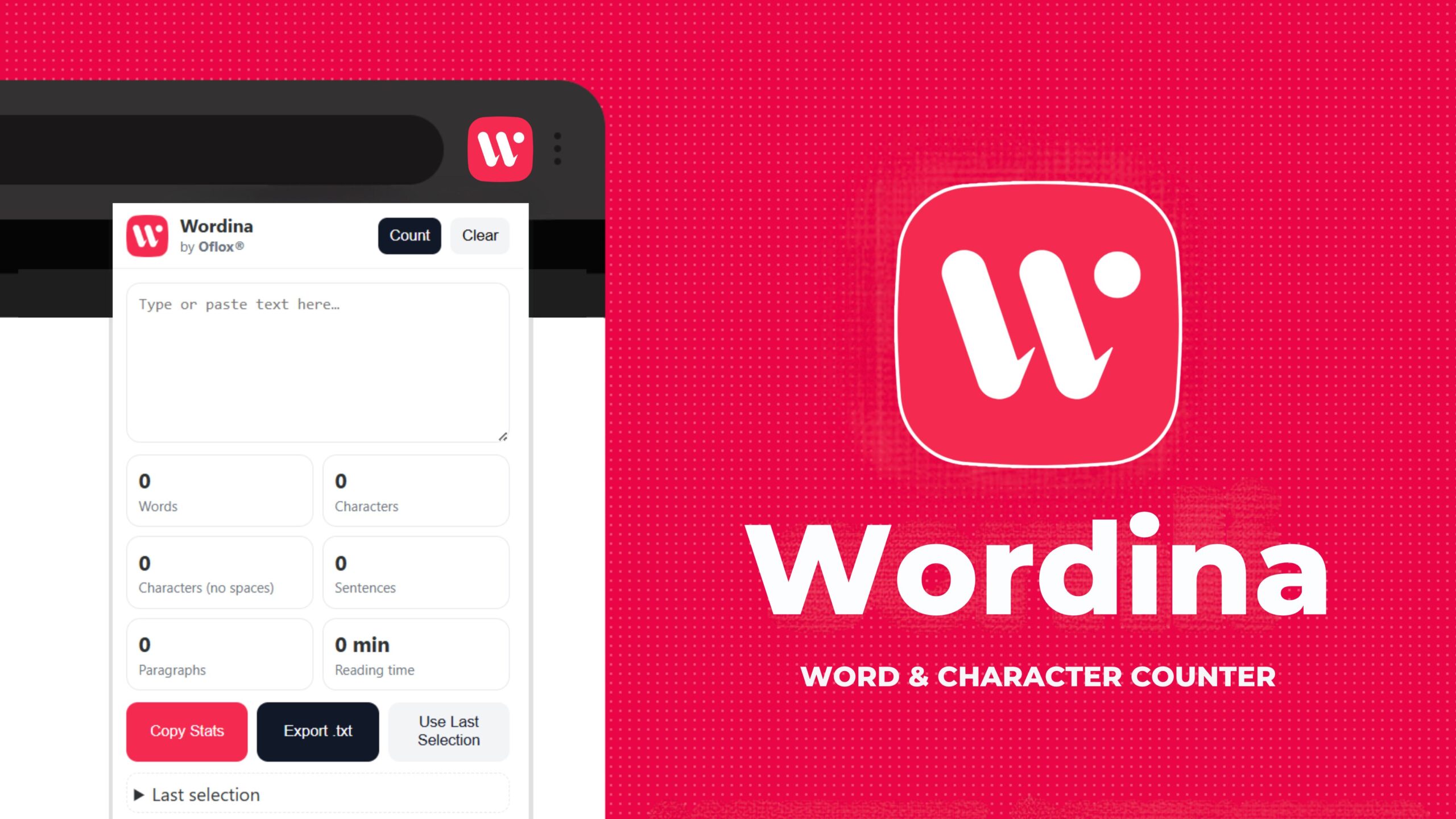
With Wordina, you can stay productive, meet platform-specific limits, and ensure your writing is always clear, effective, and professional.
Let’s explore it together!
Table of Contents
What is Wordina?
Wordina is a lightweight Chrome extension that provides real-time word and character counts. Unlike online tools where you need to copy-paste text, Wordina works directly inside your browser. Whether you’re writing in Gmail, Google Docs, WordPress, social media platforms, or any text field, Wordina instantly tracks your content length and displays results.
It’s perfect for:
- Students – managing essay limits.
- Content creators – optimizing blogs or captions.
- Professionals – crafting concise reports or proposals.
- Marketers – meeting SEO and social media guidelines.
“Wordina is not just a tool; it’s a writing companion that ensures your words are always on point.” – Mr Rahman, CEO Oflox®
Key Features of Wordina
Here’s why Wordina stands out among other word counter tools:
- Real-Time Word & Character Count: See instant updates as you type. No refreshing or pasting required.
- Lightweight & Fast: Uses minimal system resources, so your browser runs smoothly.
- Works on Every Website: Gmail, Google Docs, WordPress, LinkedIn, Twitter, Medium, Facebook—Wordina works everywhere text is written.
- Social Media Character Support: Helps you stick to Twitter’s 280-character limit, LinkedIn’s 3000-character posts, or Meta Ads character restrictions.
- 100% Privacy-Focused: Works offline. No data is collected or stored.
- Sentence & Paragraph Insights: Great for students writing essays or marketers writing ad copy.
- Free Forever: No subscriptions, no hidden charges, no premium upgrades—Wordina is available for lifetime use.
Why Did We Build Wordina?
At Oflox®, we constantly study the challenges writers face. Our research showed:
- Writers often switch between writing platforms and online counters, which wastes time.
- Many counters are filled with ads or require sign-ups, making them frustrating.
- Some tools don’t work offline, limiting access.
That’s why we built Wordina—a clean, simple, free, and fast word counter that stays where you need it most: inside your Chrome browser.
Our mission with Wordina is simple:
“Help every writer save time, boost productivity, and stay confident about their text length.”
How to Install Wordina?
Installing Wordina is quick and easy:
- Visit the official Chrome Web Store page.
- Click Add to Chrome.
- Pin Wordina to your toolbar for quick access.
- Start writing anywhere online—Wordina will track automatically.
Benefits of Using Wordina
- For Students: Stay within essay or thesis guidelines without stressing over word counts.
- For Content Creators: Optimize blog posts for SEO readability scores by balancing sentence and paragraph length.
- For Social Media Marketers: Craft perfect tweets, Instagram captions, and LinkedIn posts within platform-specific limits.
- For Professionals: Keep reports, proposals, and emails short and effective.
- For Bloggers & Writers: Manage writing goals (e.g., “write 1500 words today”) easily.
Quick Comparison with Other Word Counter Tools
| Feature | Wordina (Chrome Extension) | Online Word Counters | Premium Tools (Grammarly, etc.) |
|---|---|---|---|
| Real-Time Tracking | Yes | No | Yes |
| Works Everywhere | Yes | Limited | Yes |
| Ads/Signup Free | Yes | Often required | Paid plans |
| Offline Support | Yes | No | Limited |
| Free Forever | Yes | No | No |
👉 Clearly, Wordina offers the best balance of simplicity, features, and accessibility.
FAQs:)
A. Absolutely. Wordina does not track, store, or share your text.
A. Yes! Wordina is free forever with no hidden charges.
A. Yes, it works seamlessly even without an internet connection.
A. Yes, it works across all websites and text fields.
A. No, Wordina is lightweight and optimized for performance.
Conclusion:)
Wordina is more than just a word counter extension—it’s your smart writing partner. With its real-time tracking, privacy-first design, and free accessibility, it’s the perfect choice for anyone who writes online.
👉 Try it today: Install Wordina from Chrome Web Store
Read also:)
- Refira: Best Auto Refresh Chrome Extension (Free Forever)
- Textara: Instant Text to Speech Chrome Extension!
- Oflox® Link Shortener + QR Generator Chrome Extension (Free)
- Pickora: All-in-One Color Picker Chrome Extension!
Have you tried Wordina Chrome Extension for your writing? Share your experience or ask your questions in the comments below—we’d love to hear from you!