This article provides a complete guide on How to Convert OST File to PST Without Outlook, including OST and PST file basics, conversion methods, benefits, challenges, tools, security considerations, expert tips, common mistakes, future trends, and best practices.
In today’s digital world. many users rely on Outlook Offline Storage Table(.ost) files to manage and store email messages, contacts, calendars, and other mailbox data. They are highly secured because they are encrypted by default, secured with a unique key (MAPIEntryID GUID) and they can’t be moved to different computers or devices.
Let’s understand this with a use case. If an OST files gets disconnected from its original profile, it becomes orphaned. After that, the user can no longer access the OST file directly due to these security restrictions. Since the OST is linked to a specific profile and server, it cannot be accessed in a different environment.
In such situations, converting OST file to PST becomes the only option to access the mailbox data. Now the question arises : How to convert an OST file to PST without Outlook?
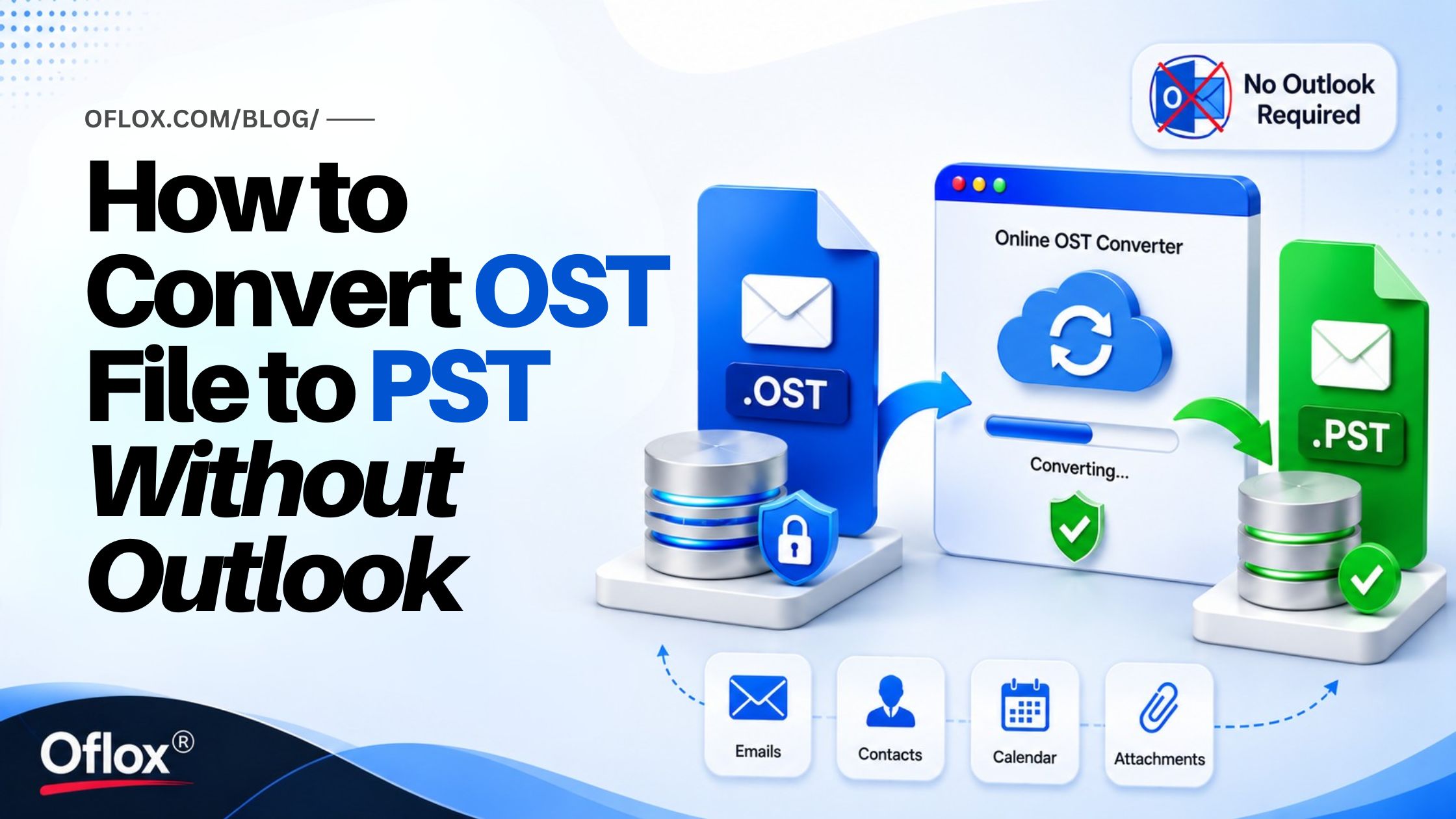
So, if you are unable to access your Outlook then, users can opt for free online OST converter. It provides a quick and convenient way to convert inaccessible or orphaned OST files directly through a web browser.
Let’s Explore the Benefits!
How to Convert OST File to PST Without Outlook?
Use an Online OST Converter (Recommended) to quickly convert OST files into PST format without installing Outlook or connecting to an Exchange account.
Employing a third-party software may not go well with users who are concerned about data safety. Plus, the license cost may come as a barrier too. So, if you want quick and hassle free conversion then an online OST converter is the best solution for them. It is basically a web-based platform that allow you to convert OST file to PST without Outlook and Exchange server.
Platforms like Stellar Online OST Converter not only provide superior accessibility but also convenience. These platforms are independent and users can access the service from virtually any device with an internet connection. Additionally, such online OST converters are extremely easy to use.
Benefits of Using Stellar Online OST Converter:
- It operates entirely within a web browser (no software installation or setup required)
- No Outlook installation required
- No Exchange Server connectivity required
- It can efficiently convert orphaned or inaccessible OST files
- Cost-effective than desktop converter tools
- It doesn’t require high-level permissions on the computer
Steps to convert an OST file to PST by using the online OST to PST converter by Stellar.
- Open web based Online OST to PST converter by Stellar.
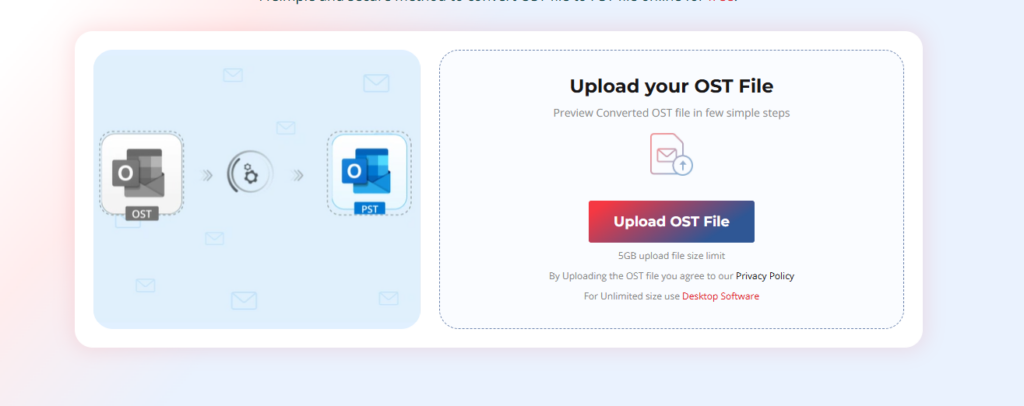
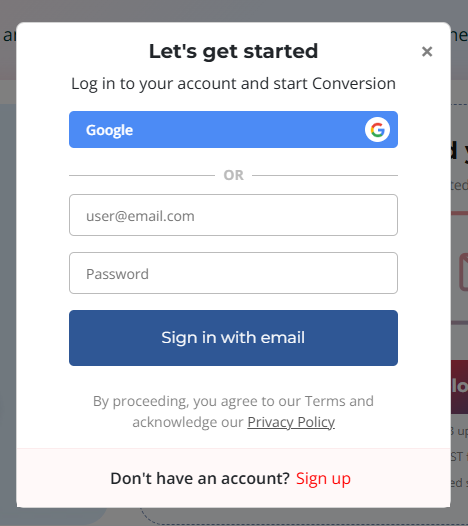
- Sign up and Upload OST File to select the OST file that you want to convert.
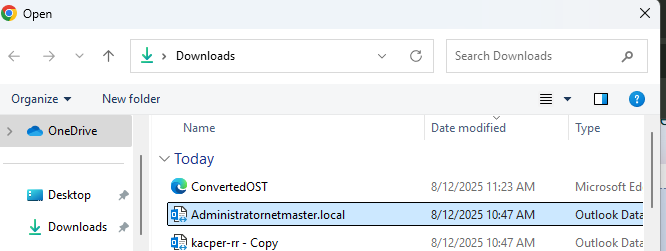
- Browse your system, locate the required OST file, select it, and click Start.
- Once the conversion process is finished, you will see two options: Preview and Save PST File.
- Now, click on Save PST File to download the converted file.
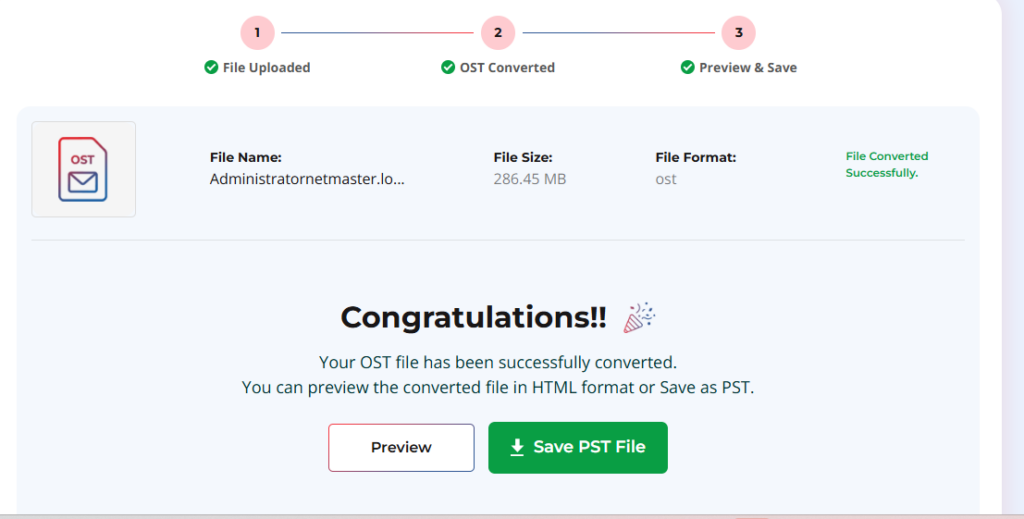
Note: You can convert OST file of up to 500 MB for free. If OST file is larger, upgrade to the premium version.
When Should You Upgrade to a Desktop OST Converter?
Wondering when to upgrade? If your needs go beyond basic OST to PST conversion like having large OST files, severely corrupted mailboxes, encrypted data, then desktop software will be better fit.
Software like Stellar Converter for OST is designed to handle complex conversion scenarios and can convert inaccessible, orphaned, or damaged OST files while preserving mailbox structure and data integrity.
In addition to OST to PST conversion, the software provides advanced capabilities such as mailbox preview before conversion, selective item export, support for large OST files, and direct export options to Exchange Server.
Which Option Should You Choose?
- Stellar Online OST Converter – Best for users who is looking for a fast, browser-based conversion experience without installing software.
- Stellar Converter for OST – Ideal for advanced recovery, large mailbox conversions, corrupted or encrypted OST files.
FAQs:)
A. Yes. You can convert an OST file to PST without Outlook by using an online OST converter or a professional OST to PST conversion tool.
A. Yes. Online OST converters allow you to upload an OST file and convert it to PST directly through a web browser in just 3 simple steps.
A. An online OST converter is ideal for quick and simple conversions through a web browser. A desktop OST converter offers advanced features such as support for large OST files, mailbox preview, selective export, and recovery of severely corrupted OST files.
A. No, Exchange Server connection is not required to convert an OST file to PST format.
A. No, as the conversion process only extracts your data and copies it into a new PST file without affecting original OST file.
A. You should consider Stellar Converter for OST when working with large, encrypted, severely corrupted, or business-critical OST files that require advanced conversion and recovery capabilities.
Conclusion:)
When Outlook is unavailable or an OST file becomes orphaned, converting it to PST is only way to access your mailbox data. For quick and hassle-free conversions, Stellar Online OST Converter offers a convenient browser-based solution that requires no Outlook installation However, for large, encrypted, or corrupted OST files, Stellar Converter for OST provides advanced conversion and recovery capabilities. Choose the solution that best matches your requirements and restore access to your mailbox data with ease.
Choose the solution that best fits your requirements and restore access to your valuable mailbox data quickly.
“Data recovery is not just about restoring files; it’s about protecting business continuity and preserving valuable information for the future.” — Mr Rahman, Founder & CEO, Oflox®
Read also:)
- 5+ Benefits of Hiring a Laravel Development Company for Growth!
- How to Start a One Person Company: A-to-Z Guide for Beginners!
- 10+ Best Highest Paying Affiliate Niches for Beginners in 2026!
Have you tried converting an OST file to PST without Outlook for email recovery, migration, or backup purposes? Share your experience or ask your questions in the comments below — we’d love to hear from you!
Useful guide for anyone dealing with inaccessible Outlook data files. I like that it highlights practical ways to recover and migrate email data when Outlook isn’t available. Having a clear backup and conversion strategy can save a lot of time and frustration during account migrations or system failures.