This article offers a complete guide on How to Create Zero-Touch Workflows with Intelligent Automation. If you’re looking to understand the strategies, tools, and best practices involved, continue reading for in-depth insights and actionable recommendations.
Imagine a world in which documents take care of themselves, without being printed, scanned, or checked endlessly. Thanks to IA, this can now be a reality. Especially in industries like banking, healthcare, and insurance, where everything must be done by the book, zero-touch document workflows are in the process of changing the game.
Earlier on, paperwork meant so much lost time. Often, the very process of filling out forms, scanning documents, or chasing after approvals was time-consuming, boring, and riddled with mistakes. But things are changing fast. Technology is stepping in, and it is not just helping; it is changing the way work is done.
Today, with Intelligent Automation and smart Document Processing Software, companies can complete end-to-end document journeys without a human touch. Hence, the least mundane activities are performed by machines, and people concentrate on things that truly matter. For those regulated industries required to follow strict laws, this transition is not merely beneficial is necessary.
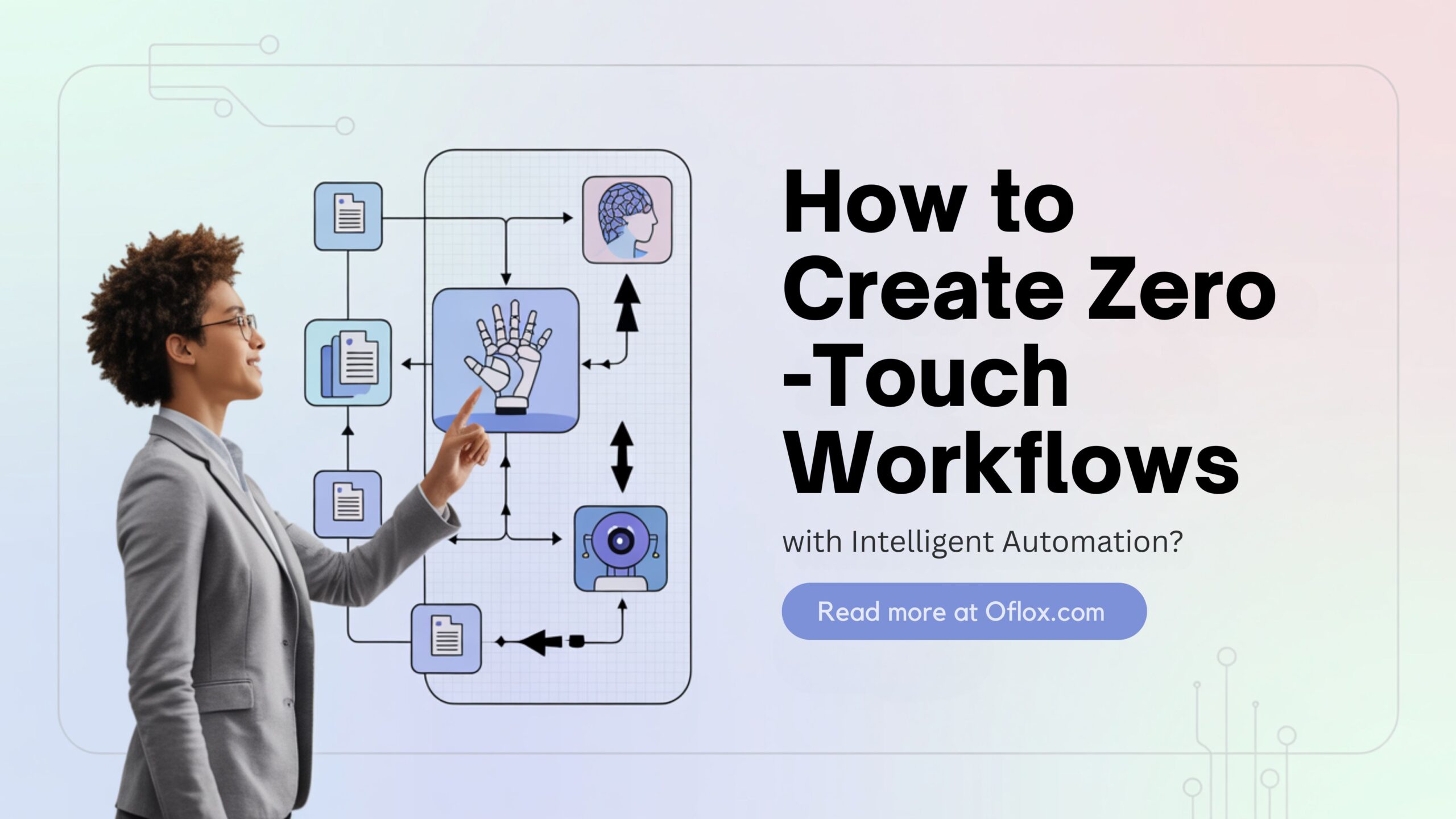
Here, we will explain something briefly to show how smart technology is providing ease, speed, and accuracy to all.
Let’s explore it together!
Table of Contents
What Is Intelligent Automation?
View Intelligent Automation as your hyper-intelligent assistant, making use of such smart artifices as AI (Artificial Intelligence), machine learning, and bots to perform speedy and fault-free operations.
In the world of documents, IA can:
- Read and understand documents using AI
- Pick out important info automatically
- Send it to the right place
- Keep a record without any human help
In short, it’s like having a super-organised assistant who never takes a break.
What Are Zero-Touch Document Workflows?
A “zero-touch” workflow means no one needs to manually handle or check a document. Everything happens on its own.
For example:
- A customer uploads a form.
- The system reads it, checks it, approves it, and stores it — all without anyone lifting a finger.
This is made possible by Document Processing Software powered by Intelligent Automation.
Why Are Zero-Touch Workflows a Big Deal in Regulated Industries?
Industries like banking, healthcare, pharma, and insurance must follow strict rules (also called regulations). These rules are important because they protect people’s personal information and ensure everything is done safely and fairly.
But these rules also mean a lot of paperwork. A lot.
So, doing everything by hand can:
- Take a long time
- Cause mistakes
- Delay important decisions
- Cost more money
That’s where zero-touch automation helps. It saves time, cuts down errors, and still follows all the rules.
How Does Intelligent Automation Work in Document Processing?
Let’s look at a simple step-by-step flow:
- Capture: Documents are scanned, uploaded, or sent in by email.
- Understand: Document Processing Software uses AI to read the text, even from messy handwriting or scanned files.
- Sort: The software checks what kind of document it is, like a medical report, bank form, or insurance claim.
- Take Action: The system decides what to do next: send it for approval, update a database, or store it safely.
- Keep Records: Every action is tracked and stored, so audits become easy and clean.
No human touches needed. That’s why it’s called zero-touch.
Real Examples of Zero-Touch Workflows
- Banking: Banks use Intelligent Automation to open accounts, check KYC documents, and process loans. No need for customers to visit a branch or staff to do manual data entry.
- Healthcare: Hospitals and clinics process thousands of health records. With smart automation, patient info can be recorded, billed, and stored — all safely and quickly.
- Insurance: From claim submission to policy updates, Intelligent Automation makes everything smoother. Even fraud detection becomes faster.
Key Benefits of Using Document Processing Software
- Saves Time: What used to take hours (or even days) now takes minutes.
- Fewer Mistakes: AI doesn’t get tired or distracted, so it avoids human errors.
- More Security: Sensitive documents are stored safely and only the right people can access them.
- 24/7 Availability: The system works even at night, on weekends, and during holidays.
- Easy Compliance: Rules change often. Good automation software adjusts fast, so the company stays compliant.
Challenges It Solves
- Lost Documents: Everything is digital and trackable.
- Slow Approvals: Instant routing and approvals mean no more waiting.
- High Costs: Less manpower and fewer mistakes save money.
- Audit Pressure: With auto-records, audits are simple.
How to Start with Intelligent Automation
If you’re part of an organisation or simply curious, here’s how companies get started:
- Identify Pain Points: Find the slow, manual parts of your current workflow.
- Choose the Right Document Processing Software: Pick one with AI, machine learning, and rule-based engines.
- Train the Bots: Teach the system how your documents work.
- Test the Process: Start with one task and see how it performs.
- Scale It Up: Once it works well, apply it to other areas.
Why It Feels Like Magic (But Isn’t)
Some people think automation means losing control. But with Intelligent Automation, the opposite happens. Every step is recorded, rules are followed better, and humans get more time to focus on real decisions, not paperwork. AI document processing plays a key role in this by handling large volumes of data quickly and accurately.
It doesn’t replace humans. It supports them.
Future of Document Processing in Regulated Industries
The future is exciting. Soon, we’ll see:
- Even smarter AI that understands documents better than humans
- More connected tools that talk to each other
- Zero paper offices — everything digital
- Less stress for workers, more trust in systems
Conclusion:)
As we move into a more digital world, it’s clear that Intelligent Automation is not just a fancy upgrade — it’s a must-have. In regulated industries like banking, healthcare, and insurance, paperwork is everywhere. But smart Document Processing Software, powered by AI and automation, is changing how this work is done, for the better.
Zero-touch workflows mean that documents move faster, safer, and with fewer mistakes. Companies don’t just save time and money — they gain trust, reduce stress, and meet all the rules without lifting a finger.
For anyone working in these fields, this shift is a chance to do more meaningful work, while letting the tech handle the busywork. It’s the beginning of a smarter, more efficient way to operate.
So, don’t picture robots taking over the next time you think of automation. Picture documents flying through a system are fast, smooth, and accurate. That’s the power of Intelligent Automation. And it’s only just getting started.
Read also:)
- How to Make Money on Amazon Without Selling (Simple & Free)
- How to Develop Fantasy App: A Step-by-Step Guide!
- How to Stop Spam Emails in Gmail: A Step-by-Step Guide!
We’d love to hear your thoughts! Have you implemented intelligent automation in your workflow? Share your experiences, questions, or suggestions in the comments below.