This article provides a detailed guide to what is a pillar page? How it works with topic clusters, and how to create one that helps readers understand a subject and explore your website.
Have you ever published several useful articles on the same topic, but struggled to connect them into a clear learning journey?
Imagine running a digital marketing blog. You have articles about keyword research, technical SEO, internal linking, and SEO reporting. Each article answers a specific question, but a beginner visiting your website does not know where to start.
This is where a pillar page can help.
A well-planned pillar page introduces the main subject, explains its important components, and connects readers to detailed supporting resources.
However, creating a pillar page requires more than publishing a lengthy article or adding dozens of internal links. You need a clear audience, sensible topic boundaries, useful explanations, and a reliable maintenance process.
Whether you manage a business website, digital marketing agency, educational platform, or SaaS blog, understanding pillar pages can help you organise your content more effectively.
Let us explore how they work and how to create one step by step.
Table of Contents
What Is a Pillar Page?
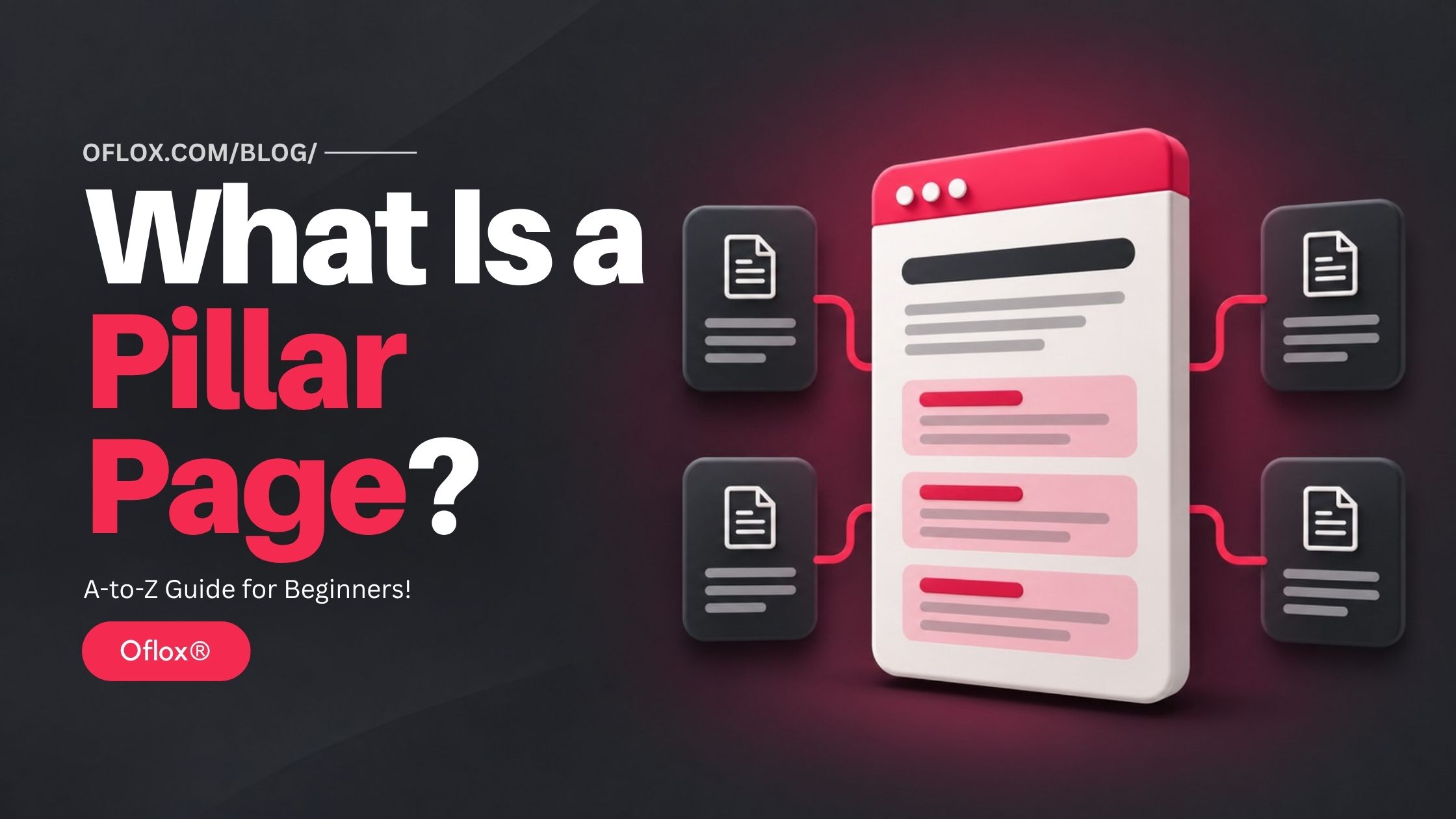
A pillar page is a central web page that provides a broad overview of one main topic and links to supporting pages covering related subtopics in greater detail. Together, the pillar page and its supporting resources form a topic cluster.
For example, a pillar page about email marketing might introduce:
- Building an email list.
- Writing email campaigns.
- Creating automated sequences.
- Improving email deliverability.
- Measuring campaign performance.
Separate supporting articles could explain how to write a welcome email, create an automation workflow, or calculate campaign results.
The pillar page gives readers enough information to understand the overall subject. Supporting pages help them investigate specific questions.
Think of a pillar page as a useful starting point with clearly marked routes to deeper learning.
What is a topic cluster?
A topic cluster is a collection of related pages organised around a central subject.
It usually includes:
| Component | Main purpose | Example |
|---|---|---|
| Pillar page | Explain the broad topic | Complete guide to email marketing |
| Supporting page | Answer a focused question | How to write a welcome email |
| Internal link | Connect relevant explanations | Link from the automation section to a welcome sequence guide |
| Complete topic cluster | Organise the subject across connected pages | The overview and its related tutorials |
The pillar page is one resource within the cluster. The cluster is the complete connected collection.
HubSpot’s documentation describes this structure as a main topic with a pillar page and supporting content. It also clarifies that creating a cluster inside its software does not directly change a website’s SEO. The actual content and implementation matter.
History and Background of Pillar Pages
Organising information around central resources is older than the term “pillar page.” Websites have long used subject guides, tutorial indexes, and resource centres to help visitors navigate related information.
The pillar-and-cluster approach became prominent in content marketing during the 2010s. HubSpot helped popularise the model through its educational material and content strategy tools.
The underlying problem was straightforward: businesses were publishing more articles, but their websites were becoming harder to navigate.
A blog might contain several useful posts about SEO without explaining how those posts fit together. Pillar planning encouraged teams to organise content around broader subjects and reader needs.
Today, the approach remains useful for managing growing content libraries. Its value comes from the quality and organisation of the resources, rather than calling a page a “pillar.”
Why Are Pillar Pages Important?
Pillar pages can make a website easier to explore while helping editorial teams plan, connect, and maintain related information.
- Give beginners a clear starting point: Someone searching for “SEO for small businesses” may not understand indexing, internal links, or local search. A central guide introduces these concepts in a sensible order. Readers can understand the basics before choosing a detailed tutorial.
- Make related content easier to discover: Useful articles can become difficult to find when they are buried in an archive. Relevant links from a central guide provide another route to those resources. Google also uses links to discover pages and understand relevance. Its guidance recommends crawlable links with descriptive anchor text.
- Reveal content gaps: Planning a topic cluster can show that your website has several introductory posts but no implementation guide. For example, you may have articles explaining what internal linking means without showing readers how to audit their links. The topic map makes that missing resource easier to identify.
- Reduce unnecessary duplication: Without a clear plan, different writers may publish articles answering almost the same question. A pillar-and-cluster map helps assign each page a distinct purpose. This can make the content library easier to manage and reduce repetitive publishing.
- Support useful business actions: A visitor researching website security may eventually need a checklist, maintenance service, or professional assessment. A pillar page can introduce an appropriate next step when it fits the reader’s needs. However, a pillar page does not automatically produce rankings, backlinks, authority, or enquiries. These outcomes depend on content quality, competition, relevance, and other circumstances.
Pillar Page vs Blog Post vs Category Page
These formats can overlap. The important difference is the job each page performs.
| Page type | Primary purpose | Typical content |
|---|---|---|
| Pillar page | Introduce and organise a broad topic | Explanations, examples, navigation, supporting links |
| Focused blog post | Answer a narrower question | Tutorial, comparison, analysis, or troubleshooting guide |
| Category page | Group content within a website taxonomy | List or grid of related posts |
| Service page | Explain and sell a service | Scope, process, evidence, and enquiry options |
| Resource hub | Help visitors choose resources | Curated links grouped by need or experience |
A blog post can become a pillar page when it acts as the central overview for a subject.
A category page can contain useful introductory information, but a list of article titles alone usually provides limited explanation. Choose the format that helps visitors complete their task.
Common Types of Pillar Pages
The following are practical editorial formats, rather than official Google classifications.
1. Comprehensive guide
A comprehensive guide introduces the major components of a broad topic and connects them to detailed resources.
Example: “A Complete Guide to Local SEO for Small Businesses.”
It might explain business profiles, website optimisation, reviews, local citations, and reporting. Supporting articles can cover individual tasks in detail.
2. Definition-led pillar page
This format starts by explaining a concept and expands into its importance, components, uses, and limitations.
Example: “What Is Marketing Automation?”
It can function as a pillar when the subject supports several useful deeper guides. A short definition without meaningful supporting coverage is unlikely to perform the same role.
3. Process-based pillar page
This format organises a topic around stages.
Example: “How to Launch an Online Store.”
Sections might cover planning, product listings, payments, fulfilment, and measurement. Each stage explains the main decisions and connects readers to implementation instructions.
4. Curated resource guide
A resource guide helps readers choose among related materials.
Example: “Website Security Resources for Business Owners.”
It should explain what each resource covers and when someone should use it. A collection of unexplained links provides less guidance than a thoughtfully organised resource page.
What Makes a Good Pillar Page?
A strong pillar page combines useful coverage with clear boundaries.
Its main features include:
- Defined audience: The content addresses a recognisable group.
- Clear purpose: Readers understand what the guide will help them achieve.
- Manageable scope: The page covers one coherent subject.
- Direct explanation: The main question receives an early answer.
- Logical headings: Sections follow the reader’s likely questions.
- Helpful navigation: A table of contents supports longer guides.
- Useful summaries: Sections explain concepts before linking away.
- Relevant supporting links: Each destination extends the current discussion.
- Original contribution: Examples, methods, worksheets, or analysis add value.
- Maintenance ownership: Someone is responsible for accuracy.
Mobile readability also matters.
Short paragraphs, readable tables, comfortable text sizes, and unobtrusive navigation help visitors use a longer resource.
How to Create a Pillar Page?
Use the following process to create a new pillar page or improve an existing guide.
1. Identify your audience and desired outcome
Start with the person you want to help.
“Business owners” is broad. “Small retail business owners launching their first online store” gives you clearer direction.
Write a simple outcome statement:
“After reading this page, visitors should understand the main decisions involved in launching an online store and know where to find implementation help.”
Use that statement to judge whether a section belongs on the page. If a section does not support the intended outcome, it may belong elsewhere.
2. Choose a focused core topic
Your topic should be broad enough to support useful subtopics but narrow enough to explain coherently.
For a small editorial team, “digital marketing” may be difficult to cover well. “Local SEO for service businesses” creates more manageable boundaries.
Ask:
- Does the topic matter to our audience?
- Can we contribute useful knowledge or evidence?
- Does it connect to our business or publication?
- Are there meaningful questions that need separate resources?
Do not select a topic only because a keyword tool shows high search volume.
3. Research questions and search intent
Collect questions from:
- Customer enquiries.
- Sales conversations.
- Support tickets.
- Search results.
- Existing website search data.
- Keyword research tools.
Then group questions by the task behind the search.
| Reader need | Example question | Likely content role |
|---|---|---|
| Understand | What is local SEO? | Pillar explanation |
| Implement | How do I improve my business profile? | Supporting tutorial |
| Compare | Which local SEO tool fits my business? | Comparison guide |
| Troubleshoot | Why is my business information inconsistent? | Diagnostic article |
| Hire | What does a local SEO service include? | Service page |
Related wording does not always indicate the same intent. A person researching a definition may need a different page from someone ready to hire an agency.
4. Audit existing content
Before commissioning new articles, review what your website already contains.
Record:
- Page URL.
- Main topic.
- Intended audience.
- Search intent.
- Content owner.
- Last substantive review.
- Relevant performance information.
Assign an action to each page:
| Action | When it makes sense |
|---|---|
| Keep and connect | The resource remains useful and accurate |
| Update | Important guidance is incomplete or outdated |
| Combine | Several pages substantially duplicate the same task |
| Create | An important reader need remains unanswered |
| Investigate | The page’s purpose or performance needs closer review |
An existing guide may already be your best pillar candidate. Do not replace a useful established URL simply to insert “pillar” into its address.
5. Create a topic map
Map the overview to its supporting resources before writing.
For a hypothetical small business SEO pillar:
| Pillar section | Supporting resource | Reader benefit |
|---|---|---|
| Choosing search terms | Keyword research tutorial | Build a practical keyword list |
| Improving pages | On-page SEO checklist | Review individual pages |
| Technical foundations | Indexing troubleshooting guide | Investigate missing pages |
| Internal links | Internal linking guide | Connect relevant resources |
| Measuring results | SEO reporting guide | Evaluate business progress |
There is no compulsory number of supporting articles. Start with the resources needed to support the overview properly. Expand when additional reader needs justify it.
6. Build a logical outline
Arrange sections in the order readers are likely to need them.
A reusable structure is:
- Definition and audience context.
- Importance and benefits.
- Main components.
- Implementation process.
- Examples.
- Tools and resources.
- Challenges.
- Frequently asked questions.
- Relevant next action.
Use descriptive headings.
“How to Measure Results” tells readers more than “Additional Information.”
7. Write useful summaries
Each main section should answer an immediate question before introducing a supporting link.
For example, explain what an SEO report should help a business decide. Then link to a detailed reporting template.
Avoid copying the opening paragraphs of every supporting article. The pillar should read as one connected guide, with specialist detail available through relevant links.
8. Add original value and trustworthy evidence
Include material that helps readers do something useful.
Options include:
- A worked example.
- A planning worksheet.
- A decision table.
- A documented method.
- An original diagram.
- An explanation of common exceptions.
Google’s people-first guidance encourages original value, reliable information, and clear sourcing. It also states that Google has no preferred word count.
To support experience, expertise, authoritativeness, and trust, make authorship clear and support important claims with appropriate evidence. Do not invent first-hand experience or present hypothetical examples as actual client results.
9. Add contextual internal links
Link from a pillar section to the supporting resource that naturally extends it. Where useful, supporting pages should also provide a route back to the overview.
Supporting articles can link to each other when the connection helps readers.
Use descriptive anchor text such as “technical SEO audit checklist” instead of repeated “click here” links. Implement links as ordinary crawlable HTML links with valid destinations.
There is no need for every page to link to every other page.
10. Review design and technical accessibility
Before publishing, check that:
- The page loads correctly.
- Important text is accessible.
- Internal links work.
- Mobile navigation is comfortable.
- Tables remain readable.
- Indexing settings match your intention.
- The canonical URL is appropriate.
- Existing pages provide a route to the guide.
For WordPress websites, a standard post or page can serve this purpose. A special pillar-page plugin is unnecessary.
Keep the main educational material publicly accessible. An optional worksheet can accompany the guide without interrupting the explanation.
11. Publish, measure, and maintain
Record a baseline before making substantial changes to existing content.
After publication, evaluate the pillar and its supporting pages together. A visitor may discover a detailed tutorial first and visit the overview later.
Review broken links, changing advice, unanswered questions, and conversion paths. Update sections because they need improvement, rather than changing the date to make the page appear fresh.
Practical Pillar Page Examples
The following are hypothetical planning examples, rather than claims about measured campaign results.
1. Digital marketing agency
Pillar topic: SEO for Small Businesses.
The overview introduces keyword research, website improvements, local visibility, internal links, and reporting.
Supporting guides show how to perform individual tasks. A suitable next action could be an SEO planning worksheet or a clearly described website review service.
2. School website
Pillar topic: A Parent’s Guide to School Admissions.
Sections explain the admission process, class eligibility, required documents, campus visits, and important dates.
Supporting pages provide current school-specific instructions. Avoid making parents open several pages to find a basic deadline. Put essential information directly in the overview.
3. SaaS business
Pillar topic: Customer Support Automation.
The page introduces ticket routing, knowledge bases, chatbots, human escalation, and measurement.
Supporting tutorials explain implementation and limitations. Product demonstrations can appear where they help readers evaluate a real workflow.
5+ Tools for Planning and Managing Pillar Pages
Choose tools according to the work you need to complete.
| Tool | Practical use |
|---|---|
| Google Search Console | Review search queries, pages, and search performance |
| Google Analytics 4 | Review page usage and configured business actions |
| Screaming Frog SEO Spider | Audit internal links and inspect site structure |
| Semrush Keyword Magic Tool | Explore related keyword ideas and topic groups |
| Ahrefs Site Audit | Inspect crawled pages and internal link relationships |
| Spreadsheet or editorial board | Maintain topic maps, owners, and review dates |
These uses are documented in the providers’ guidance. Search Console and GA4 support performance analysis, while the research and crawling tools support different planning and auditing tasks.
Check current access and plan limits before selecting a paid platform. You can plan your first topic cluster in a spreadsheet. Software cannot decide whether an explanation actually helps your audience.
Pillar Pages for Semantic SEO, Voice Search, and AI Search
A pillar page can organise related concepts in a way that supports clear communication.
1. Semantic SEO
Semantic SEO involves explaining concepts and their relationships clearly.
For an internal linking pillar, relevant concepts might include:
- Anchor text.
- Website navigation.
- Orphan pages.
- Crawlability.
- Contextual relevance.
Include these concepts where they help explain the subject.
Adding related terms without useful explanations contributes little. There is no need to force a supposed list of “NLP keywords” into every section.
2. Voice and conversational search
Use headings that reflect natural questions.
For example:
- What is a pillar page?
- How do I create one?
- How many supporting articles do I need?
- Can I use an existing blog post?
Answer directly, then explain relevant conditions and exceptions. This improves readability regardless of how someone discovers the page.
3. AI search and GEO
For AI search, accurate definitions, identifiable sources, original examples, and clear limitations help people assess the information.
Google’s current guidance says established SEO practices remain relevant to its generative AI features. It does not require special AI files, artificial content chunking, or a particular writing style.
Clear sections are useful for readers. They are not a guaranteed citation tactic. A pillar structure may help organise your material, but it does not guarantee inclusion in an AI-generated answer. Other platforms may use different discovery and retrieval systems.
How to Measure Pillar Page Performance
Measure the outcome you intended to create.
| Measurement area | Question to investigate |
|---|---|
| Search visibility | Are relevant queries bringing impressions and visits? |
| Cluster performance | Are supporting pages reaching the intended audience? |
| Navigation | Do visitors use links to deeper resources? |
| Business outcomes | Do visitors complete useful enquiries, registrations, or downloads? |
| Content quality | Are recurring questions still unanswered? |
| Maintenance | Are links, examples, and instructions accurate? |
Define internal-link click tracking deliberately if you need it. Do not assume every navigation action is automatically recorded as a useful event.
Compare periods with attention to seasonality, changing demand, and other website improvements. Traffic increasing after publication does not, by itself, prove that the pillar structure caused the improvement.
Also avoid treating time on page as your only success measure. A visitor who finds an accurate answer quickly may have had a successful experience.
Common Challenges and Practical Solutions
| Challenge | Practical solution |
|---|---|
| The subject becomes too broad | Narrow the audience or divide the subject into coherent guides |
| Several pages answer the same question | Compare intent and usefulness before consolidating |
| The overview becomes shallow | Add explanations and examples before linking away |
| Supporting resources are missing | Build the most important resources before expanding |
| Readers struggle to navigate | Improve headings, contents links, and section order |
| Maintenance becomes difficult | Assign owners and review dates |
| The page becomes overly promotional | Keep offers relevant to the reader’s current task |
What about keyword cannibalisation?
Two pages mentioning the same term are not automatically competing harmfully.
Investigate whether they:
- Satisfy the same search intent.
- Repeat substantially the same information.
- Create an unclear choice for readers.
- Need clearer boundaries.
A broad overview and a specialised tutorial can coexist when their purposes are distinct. Do not merge useful resources simply because they share some keywords.
Expert Tips and Common Mistakes
1. Practical tips
- Start with existing strengths: Build around subjects your team can explain credibly.
- Test the outline: Ask someone from the intended audience what they would expect to learn.
- Define content boundaries: Record what belongs in the overview and what needs a separate guide.
- Use contextual next steps: Place a worksheet beside the task it supports.
- Review the complete cluster: A strong overview cannot compensate for misleading supporting pages.
- Document important changes: This helps you interpret performance data later.
2. Common mistakes to avoid
- Writing a long introduction before answering the main question.
- Treating every related keyword as a separate article.
- Adding irrelevant links to reach an arbitrary target.
- Repeating the same anchor phrase unnaturally.
- Duplicating complete supporting tutorials inside the pillar.
- Publishing hypothetical outcomes as real case studies.
- Assuming a plugin setting makes a pillar page successful.
- Promising rankings or AI citations from structure alone.
The strongest editorial test is practical: can a visitor understand the subject, choose a sensible next step, and trust the information?
FAQs:)
A. It should be long enough to explain the main subject usefully. Audience knowledge, scope, and complexity should determine length. Avoid adding paragraphs simply to reach a target.
A. There is no fixed requirement. Include enough resources to answer meaningful deeper questions. A small, coherent collection is easier to maintain than a large collection of repetitive posts.
A. Yes. Improve its scope, navigation, summaries, and supporting links. Preserve a useful existing URL unless there is a clear reason to change it.
A. No special folder name is necessary. Use a clear, stable URL and understandable website navigation. Supporting articles do not all need to sit inside the same directory.
A. The terms overlap. Cornerstone content usually means important foundational material. A pillar page more specifically describes a central resource connected to supporting content. Publishers and tools may use the terms differently.
A. Yes, when readers need an overview and detailed supporting explanations. However, a simple website with only a few focused pages may not need a separate pillar project.
A. A return link is often useful when the overview provides additional context. Place it naturally and explain why opening the broader guide would help.
A. Review it when information changes or evidence reveals a gap. Fast-changing subjects need closer attention than stable concepts. Choose a review schedule your team can maintain.
Conclusion:)
Understanding what a pillar page is starts with understanding its purpose: helping readers explore a broad subject through a clear overview and useful supporting resources.
Choose one relevant topic, organise the questions your audience asks, improve existing material, and connect pages where the relationship is useful.
Add examples and practical guidance that make the overview worth reading on its own. Then maintain the supporting resources with the same care.
At Oflox®, the practical lesson is straightforward: build a connected learning journey and keep every part of it accurate and useful.
“A strong pillar page gives readers a clear starting point and a useful direction for every next question.” — Mr Rahman, Oflox®
Read also:)
- What Is Content Decay? A-to-Z Guide for Beginners!
- 5+ Best Collaborator Alternatives: A-to-Z Guide for Beginners!
- 5+ Best FATJOE Alternatives: A-to-Z Guide for Beginners!
Do you have related articles that could become a topic cluster? Share the topic you would choose for your pillar page in the comments below!