This article provides a detailed guide to how website forms turn visitors into potential customers. It covers how lead generation forms work, what information to collect, and how to follow up after someone submits an inquiry.
Have you ever found a service you liked online but left because you couldn’t find an easy way to ask for a quote?
Imagine you run a home renovation business. A visitor likes the kitchen remodels in your portfolio, but they want to know whether you serve their area and what their project might cost. A short quote form lets them share their location, describe the work they have in mind, and leave an email address so you can get back to them.
It is only the first step in acquiring new customers when people visit a website. Companies also require a strategy to convert visitors’ intentions into meaningful dialogue that might lead to a sale. This is possible with website forms that allow users to submit their questions, requests, subscriptions, and/or their contact information.
An effective website will always easily allow the next step of the “trip” for customers who are interested and want to proceed further. This is where lead generation forms can prove beneficial, as companies can gather valuable data from individuals who could require their goods and services. Businesses can improve the way they relate to prospects when they understand their visitors first and make it easy for them to do business.
Once a visitor submits a form, an on-screen confirmation tells them their request went through. A follow-up that answers their specific question can help turn the inquiry into a conversation about working together.
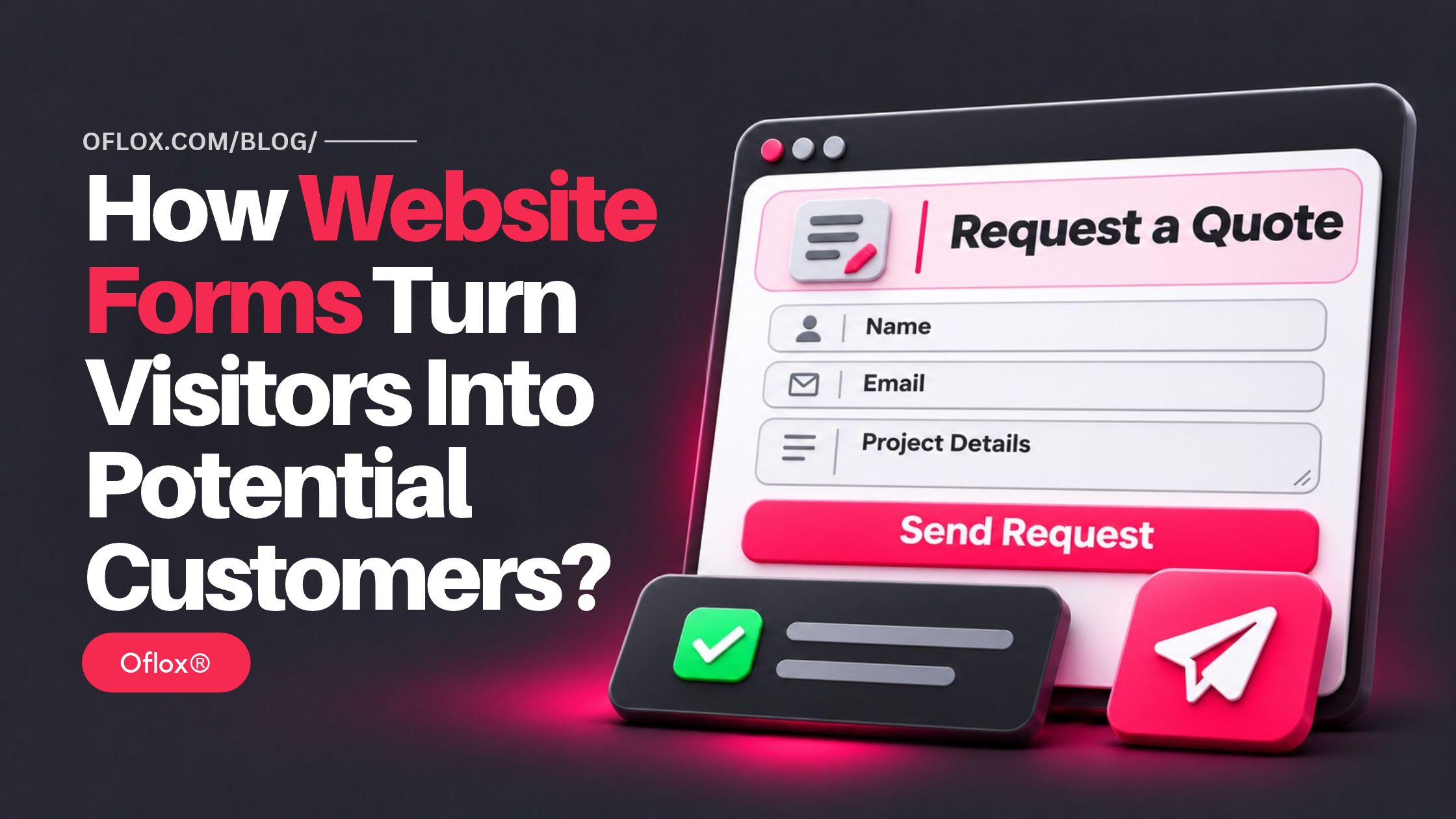
In this Oflox® guide, we’ll explain how to choose the right form for each page, make it easy to complete on mobile, and follow up in a way that helps visitors take the next step.
Let’s explore it together!
Table of Contents
What Is a Lead Generation Form?
A lead generation form collects contact details from visitors who are interested in a product or service. It can help them request a quote, book a consultation, schedule a demo, or ask a question before buying.
The best form for a page depends on what the visitor is likely to do next. A contact form works well for general questions. On a service page, a quote request can ask for details specific to that service so your team can send a more useful reply.
How Website Forms Create Opportunities for Business Growth
There are times when not all visitors to a website are ready to make a purchase. Some visitors are looking for comparisons between providers, exploring the type of services, or seeking answers with regard to a decision. These people have the opportunity to turn into a customer on your website without being immediately forced to purchase.
For instance, if you visit a home improvement website, you may wish to know what kitchen remodeling will cost you. A brief inquiry form enables that individual to give a brief description of the project and ask for a quotation. The businesses can then reply with relevant information and start a conversation that can make way for a booking.
Important Features That Make Website Forms More Effective
A successful website form does more than gather contact information. It will help businesses know what customers are expecting and provide a seamless experience.
This can be enhanced by several features:
- Clear instructions
- Relevant questions
- Visible action buttons
- Mobile-friendly design
- Helpful confirmation messages
- Privacy information
Building Trust through Better Communication
There has to be a level of trust when it comes to sharing private details online. People are more likely to fill out a form if they know who is going to have their information and what the next steps are. Businesses can build trust by offering transparent policies. They can also do so by refraining from requesting too much confidential information for unnecessary projects.
Communication following the submission also plays a role. An immediate confirmation email or message ensures your visitors that you’ve gotten their inquiry. When a business makes a commitment to give a timely response, it should ensure that this commitment is being fulfilled, as effective communication is key in making someone choose to make a purchase or not.
The bottom line is that various website forms are important in linking businesses with people who actually take an interest on their merchandise or services. They relieve intruders from the burden of making a quick purchase, asking questions, or initiating a conversation. By using simple designs and following up in a timely manner, businesses can make website engagements work in their favor.
5+ Features of an Effective Website Form
Here are 5+ features that make a website form easier to complete and help your team act on submissions.
| Feature | How to apply it |
|---|---|
| Clear instructions | Use labels like “Work email” or “Project location” and mark required fields clearly. |
| Relevant questions | Keep a field when the answer helps your team respond, route the inquiry, or prepare an estimate. |
| Specific button text | Use “Request a Quote,” “Book a Demo,” or “Send My Inquiry” so visitors know what the button does. |
| Mobile-friendly design | Test the form on a phone and check that fields, buttons, and error messages are easy to use. |
| Helpful confirmation | Confirm that the submission went through and explain when or how the visitor will hear back. |
| Clear privacy information | Explain how you’ll use the details and place a privacy policy link near the submit button. |
How to Turn Form Submissions Into Customer Conversations
A form can collect an inquiry in seconds. The follow-up is where your team can show that it understood what the visitor asked for.
For example, if someone requests a kitchen remodeling quote and mentions that they want to keep the existing layout, acknowledge that detail in your reply. Explain what you can estimate from the information they shared and ask for any measurements or photos you need to refine the quote.
Here’s a simple workflow you can use:
- Confirm receipt on the website as soon as the submission succeeds.
- Send the inquiry to the right person based on the service or request type.
- Reply within the timeframe you gave and address the visitor’s specific question.
- Offer one clear next step, such as sharing an estimate, booking a call, or requesting a missing detail.
Before publishing the form, submit a test inquiry from your phone and verify that it reaches the person responsible for replying.
FAQs:)
A. A lead generation form collects contact details and information about what a visitor needs. Businesses use these forms to handle quote requests, demo bookings, and other inquiries that may lead to a sale.
A. A contact form handles general messages, including support questions and business inquiries. A lead generation form is built around a specific action, such as requesting a quote, and asks for the details your team needs to follow up.
A. Start with the fields your team needs to take the next step. A name, email address, and message may be enough for a general inquiry. A renovation quote form may also need the project location and a short description of the work.
A. Place it where visitors are likely to consider getting in touch. That could be below the pricing section, beside a project portfolio, or on a quote page linked from a service page.
A. Require a phone number if a call is part of the service the visitor is requesting, such as a scheduled callback. If your team can reply by email, make the field optional.
A. Display a confirmation message, send the inquiry to the person responsible for replying, and tell the visitor when they can expect a response. The first reply should address their question and give them a clear next step.
A. Track how many visitors submit the form, how many submissions are relevant to your business, and how many turn into quotes, bookings, or sales. Submit a test inquiry from your phone to check that the confirmation appears and the message reaches your team.
Conclusion:)
Understanding how website forms turn visitors into potential customers helps you give interested visitors a clear way to ask a question, request a quote, or book a consultation. The details they share help your team respond with information they can use to make a decision.
Start with one service page where visitors are likely to have a question before buying. Add a form that asks only for the details you need to reply. Then submit a test inquiry from your phone, check where it goes, and make sure the person handling it can follow up within the timeframe shown on the page.
At Oflox®, our approach to website development starts with what customers need to do on each page. For a quote request, that means deciding what visitors need to share, who should receive the inquiry, and what happens after they click submit. If you’re building a new site or improving an existing one, explore our website development services at Oflox®.
“A good website form makes it easy for customers to ask for help and gives your team enough information to act on their request.” — Suggested quote for Mr Rahman, Oflox®
Read also:)
- What Is FastAPI in Python? A-to-Z Guide for Beginners!
- How to Compare Social Media Growth Services Before Buying?
- 5+ AI Lyric Video Makers for Musicians Releasing on YouTube!
Which website form brings you the most useful inquiries? Share what visitors use it for and which fields help your team respond in the comments below.