This article provides a detailed guide to AI Video Character Consistency, explaining how to maintain a recognisable brand character across short AI videos using clear references, focused prompts, and careful review.
Short AI videos give brands new ways to share product stories, explain services, and connect with their audience. However, when the same brand character appears across several videos, even a small change in its face, clothing, voice, or personality can make the content feel disconnected.
Imagine a brand mascot looking friendly and familiar in one clip but appearing noticeably different in the next. The videos may look impressive individually, yet the character becomes harder to recognise across the campaign. This is where AI video character consistency becomes important.
Maintaining a recognisable character requires a clear creative brief, approved reference images, controlled revisions, and careful human review. Together, these practices help teams explore different settings and stories while protecting the character’s identity.
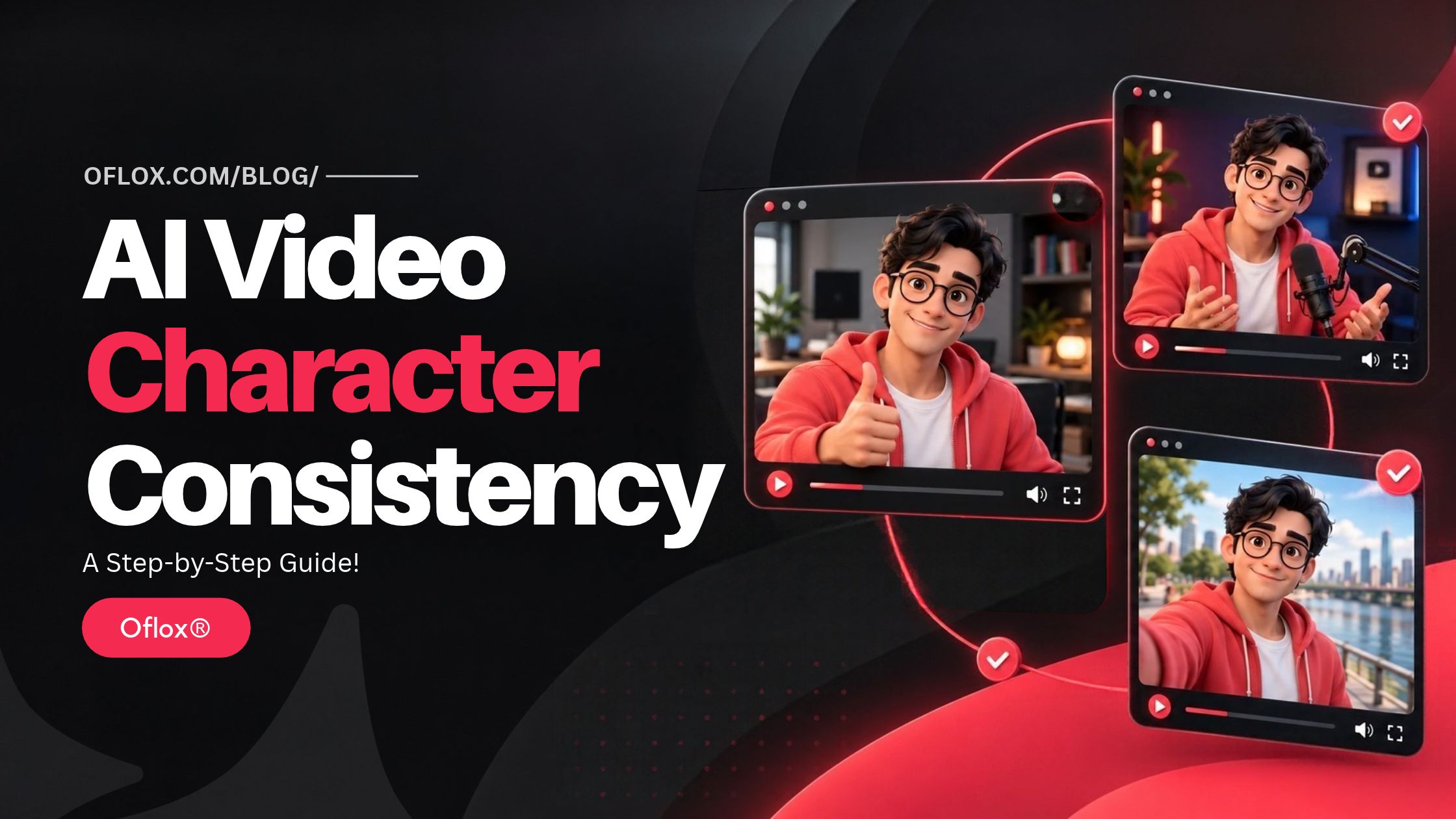
In this article, we’ll explore how to keep a brand character consistent across short AI videos, from preparing visual references to reviewing the final footage.
Let’s explore the process step by step!
Table of Contents
Start With a Clear Character Brief
Before any footage is generated, a character brief sets out the character’s essential features. It covers the age range where relevant, hairstyle, clothing, facial features, body proportions, posture, voice characteristics and general personality. If the character represents a brand, the brief also records the qualities it’s meant to communicate, such as friendliness, reliability, curiosity or professionalism. A cheerful baker who greets customers in one video can’t suddenly seem bored and distant in the next.
It helps to separate fixed characteristics from flexible ones. A character’s hairstyle, signature clothing and defining facial features may need to stay exactly the same, while expressions, gestures, backgrounds and accessories can change to suit each concept. Knowing which details are untouchable saves a lot of debate later on.
The brief also explains the intended audience, video format, tone and purpose. A character appearing in a serious instructional video may behave quite differently from one featured in a playful social clip, even though both share the same underlying identity. Most people act a little differently at a job interview than at a friend’s barbecue, yet they’re still recognizably themselves. A good character works the same way.
Clear documentation gives everyone involved a shared reference point and cuts down on unnecessary revisions later. It’s far easier to point to a page than to argue from memory about what was agreed three weeks ago.
Build a Library of Approved Visual Assets
A written description alone can’t always capture every detail needed for visual consistency. That’s why teams benefit from an organized library of approved reference images, character sheets, logos, clothing variations and other relevant assets. Words like “warm smile” can mean very different things to different people.
Useful character references include front-facing portraits, side profiles, full-body images and examples of common expressions. The clearest images show defining features without heavy shadows, unusual angles or busy backgrounds. A reference photo taken in dim light, with half the face in shadow, causes more confusion than it solves.
Version control matters just as much. If a character’s outfit changes partway through a campaign, the team needs a record of which version applies to which video. Otherwise, different creators can easily end up using outdated references without realizing. A mascot whose scarf is red in Tuesday’s clip and orange in Thursday’s is exactly the kind of slip audiences notice.
Original files and usage information work best kept together. A clear record of who created each asset, who approved it, where it may be used and whether any restrictions apply saves a great deal of guesswork. This becomes especially valuable when several people work on the same campaign, or when production stretches over several months and a new freelancer joins halfway through.
Generate Concepts Without Losing the Character
Once the brief and reference library are in place, creators can start developing short video concepts. Each concept sets out the scene, action, camera movement, lighting, environment and emotional tone. The character’s defining features are worth repeating wherever necessary, rather than being left entirely to the generation system’s interpretation. Left to its own devices, the software may decide a short haircut would look nicer longer.
An AI video generator from Magic Hour is one example of a tool that can be considered at this stage. Whatever software ends up being used, the underlying production principle stays the same. Every generated clip is a draft, and it needs checking against the approved brief before it goes anywhere.
Short, focused prompts make revisions far easier to manage. Rather than asking for a completely new scene every time something goes wrong, it’s more effective to pin down exactly which requirement needs attention. A prompt might, for example, keep the character’s approved clothing and hairstyle while changing the background from an office to an outdoor park. Small, precise changes are much easier to control than sweeping ones.
Keeping a prompt log is also useful. Saving the instructions, reference assets, generation settings and selected outputs for each concept gives the team a clear trail to follow. When two clips look puzzlingly different, the log usually explains why, and it makes successful approaches much easier to repeat.
Revise Character Differences Carefully
Even with detailed references, generated footage can contain inconsistencies. Facial proportions might shift between shots, clothing details may change, and expressions or movements can look unnatural. These differences become especially obvious when clips sit side by side in a campaign review. A jawline that’s slightly sharper in one clip can make the whole series feel off.
Revision works best when it starts with the most important identity features. The first question is whether a problem affects recognition, brand presentation, continuity or simply a minor visual detail. Changes that shape how audiences see the character come first. A missing button can wait. A different face can’t.
A dedicated tool such as Magic Hour AI character replacement may be relevant when a production needs to change or replace a character within existing footage. Any replacement workflow still needs assessing for visual fit, scene continuity and suitability for the intended use. A replacement that looks fine in a single still can feel strangely pasted in once the scene starts moving.
After revision, the result needs comparing against the approved references. Facial structure, skin tone, hairstyle, clothing, lighting and movement all deserve a careful look. Transitions between shots need particular attention, since a character can look consistent in individual frames yet noticeably different during playback. The eye catches changes in motion far more easily than in pauses.
Repeatedly changing an entire scene to fix one small issue is best avoided. Targeted revisions generally make it much easier to protect the details that are already working well. Starting from scratch every time often trades one problem for three new ones.
Address Consent and Usage Rights
Character consistency also carries legal and ethical responsibilities. If a character is based on a real person, proper permission is needed before their likeness, voice or other identifiable features are used. That consent needs to spell out the intended purpose, distribution channels and any relevant commercial use. A colleague who agreed to appear in an internal training clip hasn’t necessarily agreed to star in a national advertising campaign.
An image being publicly available doesn’t automatically mean it can be used in generated videos. Teams need to check the rights attached to photographs, illustrations, fonts, music, logos and other source materials. A picture found online in a few seconds can lead to a dispute that takes months to settle.
For fictional characters, it’s important to confirm that the design doesn’t improperly copy protected characters or distinctive elements belonging to another creator. Licensing records and permission documents are best stored alongside the production files, where they can be found quickly if questions ever arise.
Organizations also need to review the terms of the AI tools they use and the rules in the markets they’re targeting. Requirements can differ depending on the country, the platform and the type of content being produced. What’s perfectly acceptable in one region may need extra steps somewhere else.
Make Human Review Part of Every Stage
Automated generation can speed up production, but it doesn’t replace editorial judgment. A human reviewer needs to check whether each clip follows the creative brief, respects the approved assets and communicates the intended message. Software can produce a clip in minutes. Only a person can tell whether it feels right for the brand.
Footage deserves review both frame by frame and at full playback speed. Distorted hands, inconsistent accessories, unnatural expressions, sudden changes in appearance and visual artifacts are all common problems worth looking for. A hand with an extra finger is easy to miss in motion and hard to unsee once spotted. Beyond the details, the wider picture matters too. Does the character behave in a way that suits the brand, and does the video represent it accurately?
For recurring campaigns, a simple approval checklist and a clearly named person responsible for final sign-off keep things running smoothly. Recording rejected versions and revision notes, particularly when they explain a recurring problem, saves the team from making the same mistake twice. Nobody enjoys rediscovering an old issue on a Friday afternoon deadline.
Publishers and brands also need to follow their own disclosure policies and any platform requirements for AI-generated or AI-altered content. Where a disclosure or editorial marker is required, it has to stay intact rather than disappearing somewhere during editing or distribution. Audiences tend to trust brands that are open about how their content was made.
Create a Repeatable Production Workflow
Consistency becomes much easier once a team settles into a repeatable process: defining the character, approving the references, generating concepts, reviewing the footage, revising identified issues, confirming rights and getting final human approval. Each step builds on the one before it, and skipping one usually shows later.
A shared asset library, a prompt log and a clear version history can support this workflow without needing a large production department. A small team of three can run it just as effectively as a big agency. Over time, documented decisions also help new contributors understand which characteristics must never change and where there’s room for creative experimentation.
“We don’t want all the videos to look the same.” Short AI-video ideas can play with settings, moods and stories, while preserving a character the audience can identify at a glance. Strategic planning and smart asset utilization, coupled with constant oversight by humans, will enable brands to forge a more coherent visual identity throughout their ever-growing portfolio of short-form videos. No matter where they turn up, the best characters always feel like old friends.
FAQs:)
A. AI video character consistency means maintaining a character’s recognisable appearance, personality, and other defining features across generated clips. The setting and actions can change while the character remains familiar.
A. Start with a detailed character brief and approved reference images. Reuse the character’s defining details in your prompts, record successful settings, and compare every clip against the same references.
A. Differences in prompts, reference images, camera angles, lighting, and generation settings can affect the result. AI tools may also interpret the same instructions differently, making review and targeted revisions necessary.
A. Prepare clear front-facing portraits, side profiles, full-body images, and examples of common expressions. Keep the approved hairstyle, clothing, facial features, and proportions consistent across these references.
A. Yes. Backgrounds, actions, and expressions can change to suit each concept. The character’s defining visual features and underlying personality should remain recognisable throughout the campaign.
A. Human review helps identify changes in appearance, unnatural movement, visual errors, and behaviour that does not suit the brand. Reviewers should check individual frames and watch the complete video at normal speed.
Conclusion:)
Keeping a brand character consistent across short AI videos starts with clear decisions about who the character is and which features must remain recognisable. Approved references, focused prompts, careful revisions, and human review help carry that identity from one concept to the next.
For brands and creators, a repeatable workflow makes this process easier to manage. It gives everyone a shared reference, reduces avoidable confusion, and leaves room to explore fresh stories without losing the character audiences already know.
“A memorable brand character stays recognisable, even when the story, setting, and scene change.” — Mr Rahman, Oflox®
Read also:)
- What Is Latency in Networking? A Complete Guide for Beginners!
- What Is API in Programming? A Complete Guide for Beginners!
- What Is IPv4 and IPv6? A Complete Guide for Beginners!
What challenges have you faced while keeping characters consistent in AI videos? Share your experience or questions in the comments below!